17 GB
Getting started / Use
j Confirm your entry by pressing the SET button
3
. The device
now returns to hold mode.
Q
Setting the day of the week
j
Switch the device to hold mode (see “Hold mode / Count mode”).
j Press the FUNC button
2
. DAY appears on the function bar
14
.
j Press the SET button
3
. The number for the day of the week
starts to flash.
j Press the MODE button
4
to set the required day of the
week. The different numbers have the following meanings:
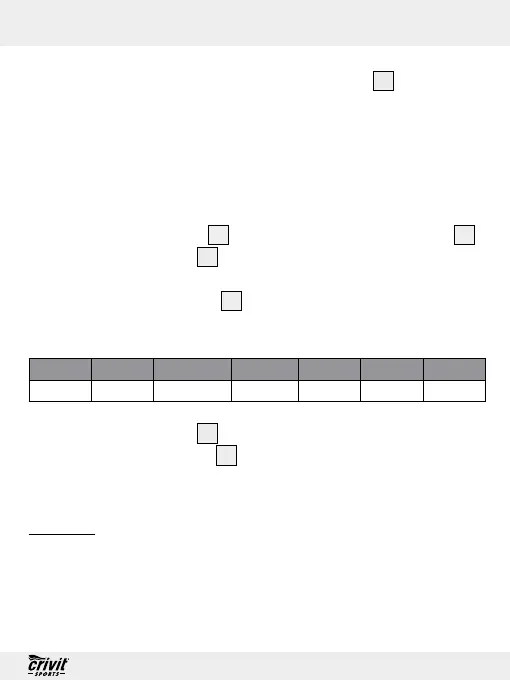
Monday Tuesday Wednesday Thursday Friday Saturday Sunday
1 2 3 4 5 6 7
j Press the SET button
3
to confirm your entry.
j Press the FUNC button
2
twice to return to hold mode.
Q
Use
Q
Using the pedometer
For this function, the device must be in count mode (see “Hold
mode / Count mode”).



 To Next Page