ReDi 50A Quick User Manual
V . I p i r o u 4 5 , 1 5 1 2 5 M a r o u s i , Τ el: 210-8098700, Fax: 210-6122512
Site: w w w . c r y p t o . g r , Email: crypto@crypto.gr
4
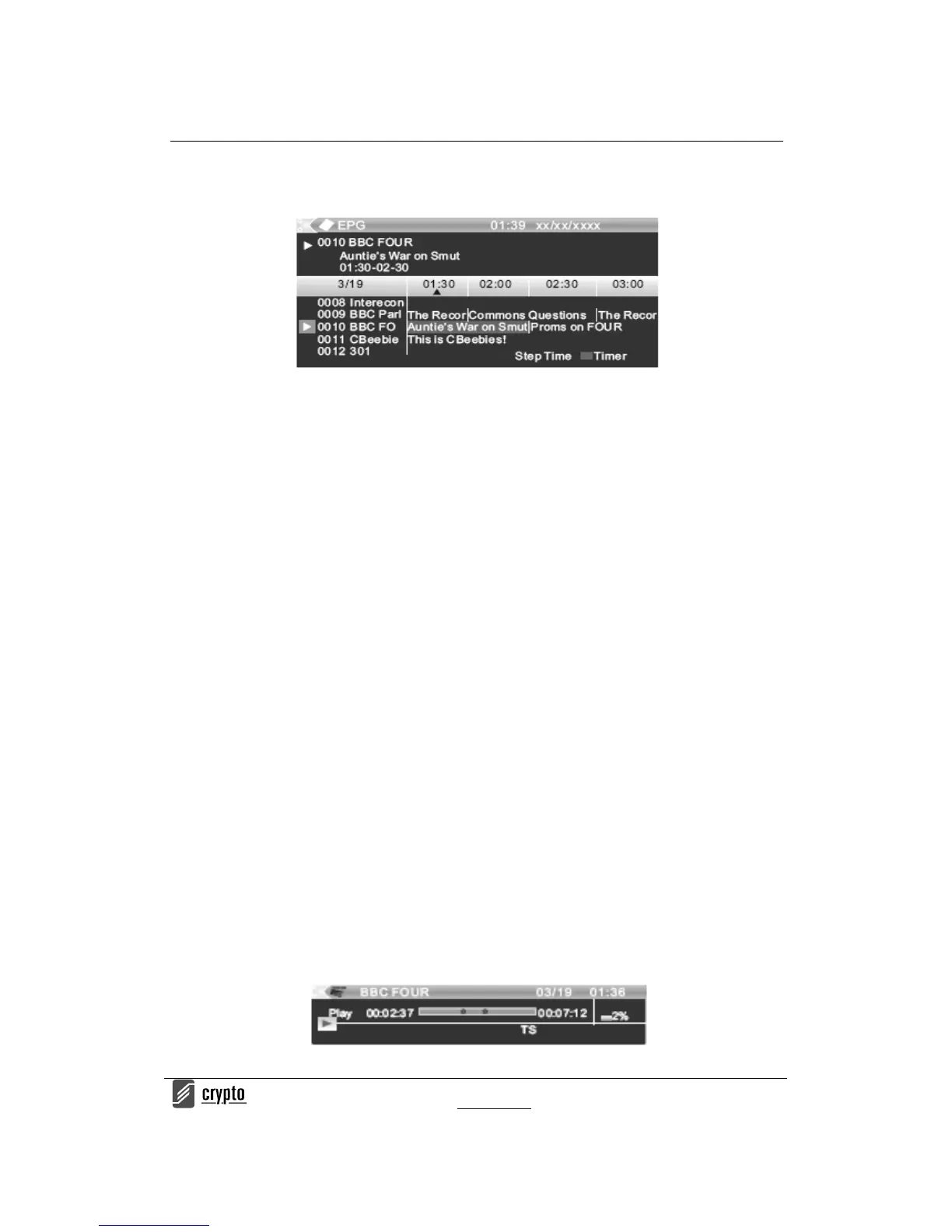
5. If you want to go back to the channel press the "EPG" button again.
T i m e S h i f t
The digital receiver ReDi 50A gives you the abilit y to record and watch one program
interfacing with the viewing time. All you have to do is to connect an external hard drive or a
USB stick in the usb port of the device.
With this function you can:
Pause the program and continue to see if another time.
NOTE: For proper operation of TIME SHIFT it is recommend using a storage device that
supports USB 2.0 and has high speed read /write. Also if it is possible it is recommended to
use a USB stick or HDD with high storage space. The product can support up to 2TB disks
The TIME SHIFT is a feature where you can simultaneously track, pause or to go back and
forth when you are watching a program. For example, while watching your favorite show
someone rings the door bell. No problem. Just press “Pause” button freeze the image. when
yo u r et ur n y o u ca n r es u me v iew ing f ro m w h ere yo u le ft b y pr es si ng “ Pl ay”
• Enable TIME SHIFT
- To use TIME SHIFT press <PAUSE> and a bar with the time when the recording is started
(right) will appear. From this moment and forth the channel program will be recorded.
Each time you wish to pause or rewind the program a new bar will appear.
Notice that now the bar has 2 times. The right is the normal time showing the on going time
from the beginning when started Time Shift and the left is the play backed time according to
the time you choose to watch of the recorded program.


 To Next Page