ReDi 50A Quick User Manual
V . I p i r o u 4 5 , 1 5 1 2 5 M a r o u s i , Τ el: 210-8098700, Fax: 210-6122512
Site: w w w . c r y p t o . g r , Email: crypto@crypto.gr
6
Personal Video Recording (PVR)
• Instant Recording
With this feature, with a touch of a button you can write a program you are watching.
- Press <RECORD> button on your remote to immediately start recording the program you
are watching
- Pressing the button again <RECORD>, you can adjust the duration of the recording.
- Press <STOP> button to stop recording. A window will appear.
- Select YES to stop recording. Select NO to resume recording.
• Scheduled Recording
Apart from the operation of direct recording, the device can be scheduled to write a program
in the future.
-Press and the <Menu> button and select <settings>, <Timer Settings>
This menu lets you set th e t imer f or a recording.
T i m e M o d e : O f f / O n c e / D a i l y
T i m e s e r v i c e : R e c o r d
Wakeup Channel: Set the channel you want to re cord.
Wakeup Date: Press OK and then the numbers to enter the date of recording.
Wakeup Time: Press O K and then the numbers to enter time yo u want the d evice to start
writing.
Duration: Press OK and then the numbers to enter the duration of the recording
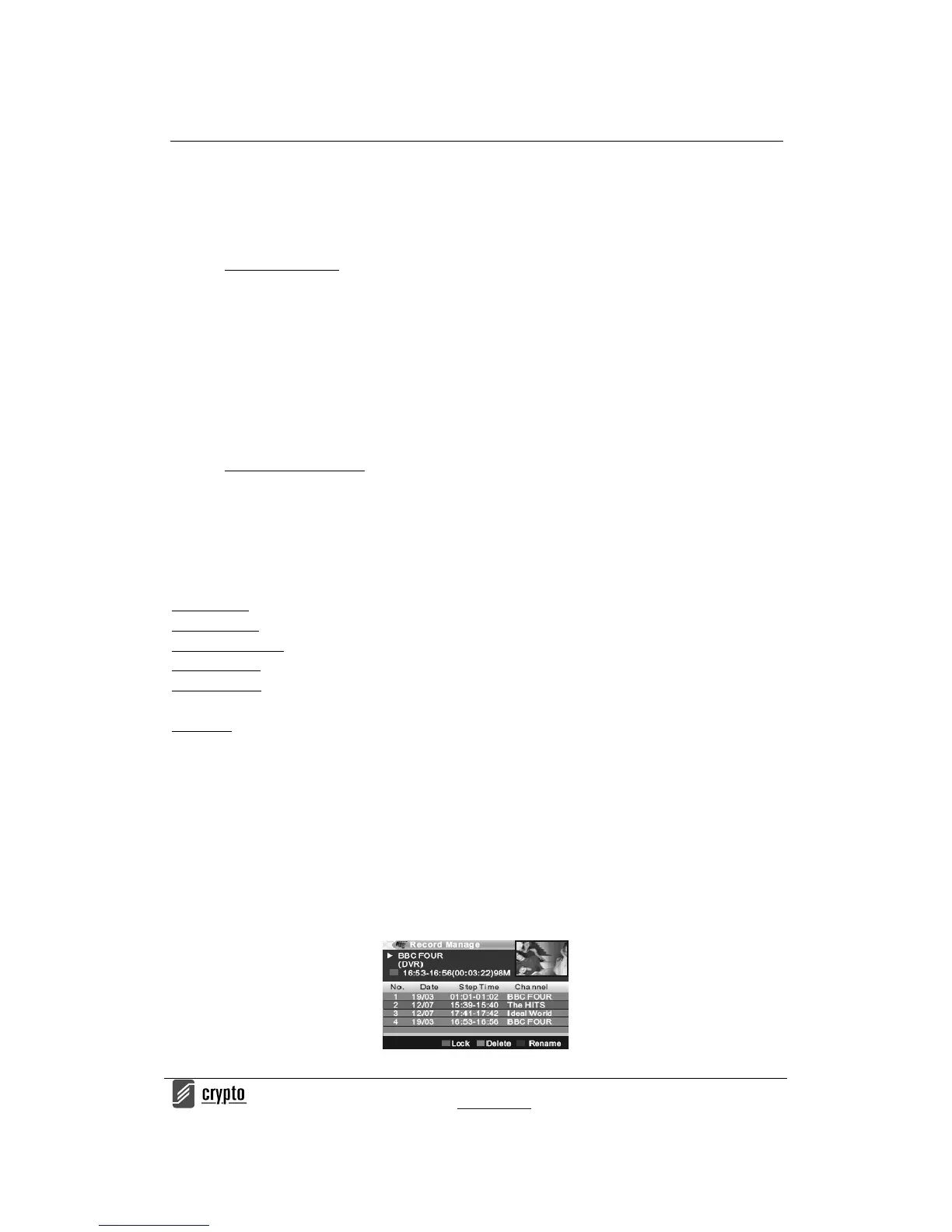
T o s e e a l l t h e p r o g r a m s y o u h a v e r e c o r d e d p r e s s :
1. Menu <Rec&Media> select “Record Manager” press OK or press “PVR” button
2. Press the Up and Down arrow keys to select the desired entry and press the OK to play the
file.
3. Press <EXIT> on the remote to exit the menu.


 To Next Page