15
Status and History
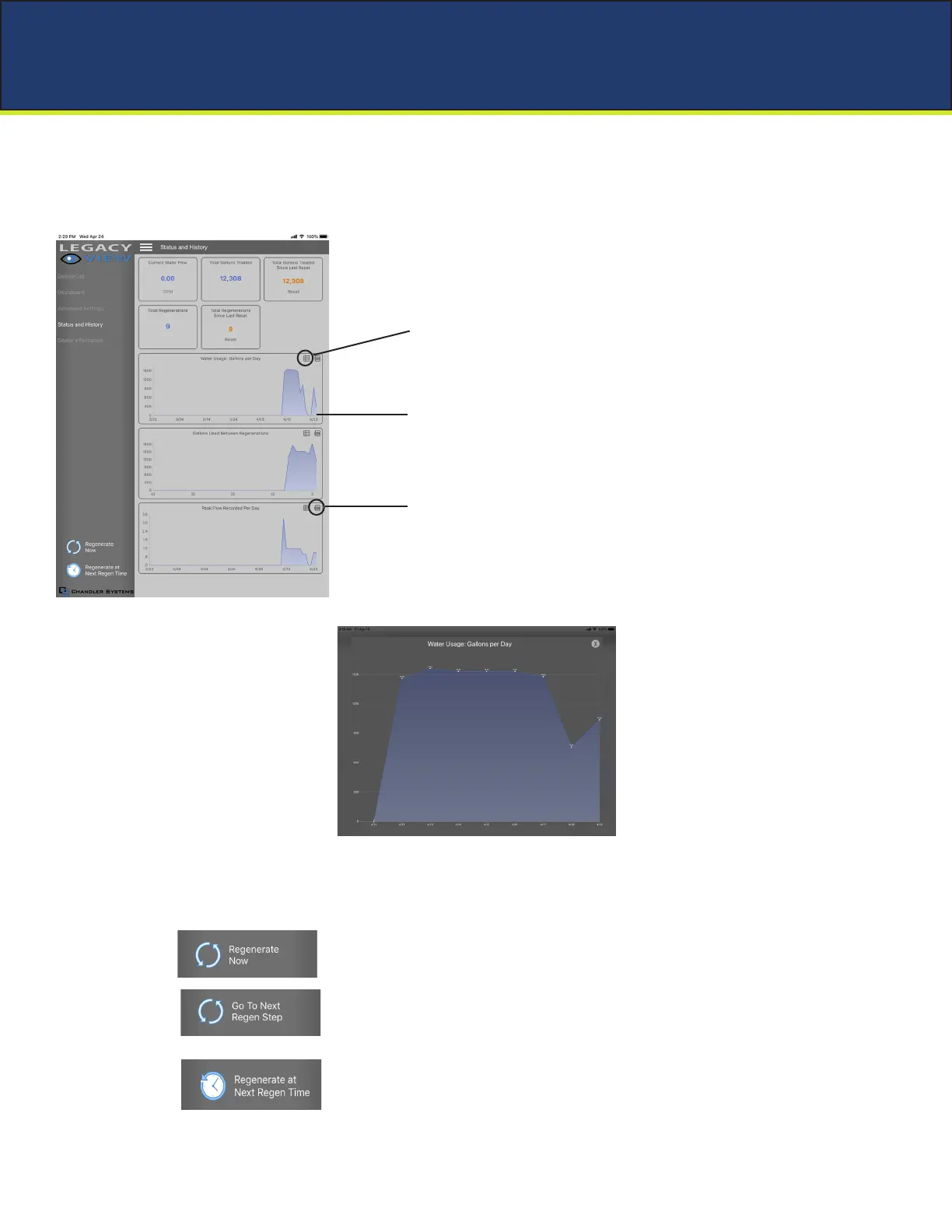
From the Status and History, all items in ORANGE can be reset.
1. Start a regeneration or backwash cycle
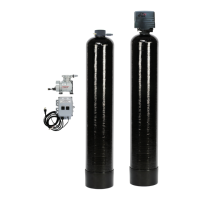
Option 1: Click the “Regenerate Unit Now.”
Once a regeneration has been started, if you would like to force the unit into the
next cycle step click “Go to Next Regeneration Step”.
Option 2:
Touch any graph to enlarge and see
details. Enlarged graphs are able to be
zoomed in by pinching with two
ngers.
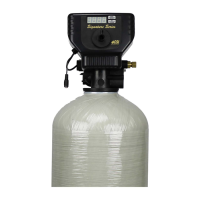
(Enlarged graph shown below)
“Regenerate Unit at Next Regen Time” button
This will take the system into a backwash cycle at the next regeneration time.
Set Up Utilizing Bluetooth App
Pressing the .csv logo in the corner
will allow the graph data to be
exported and shared.
Enlarged graph showing water usage
Pressing this icon will show a list of
the data that is in the graph.


 To Next Page