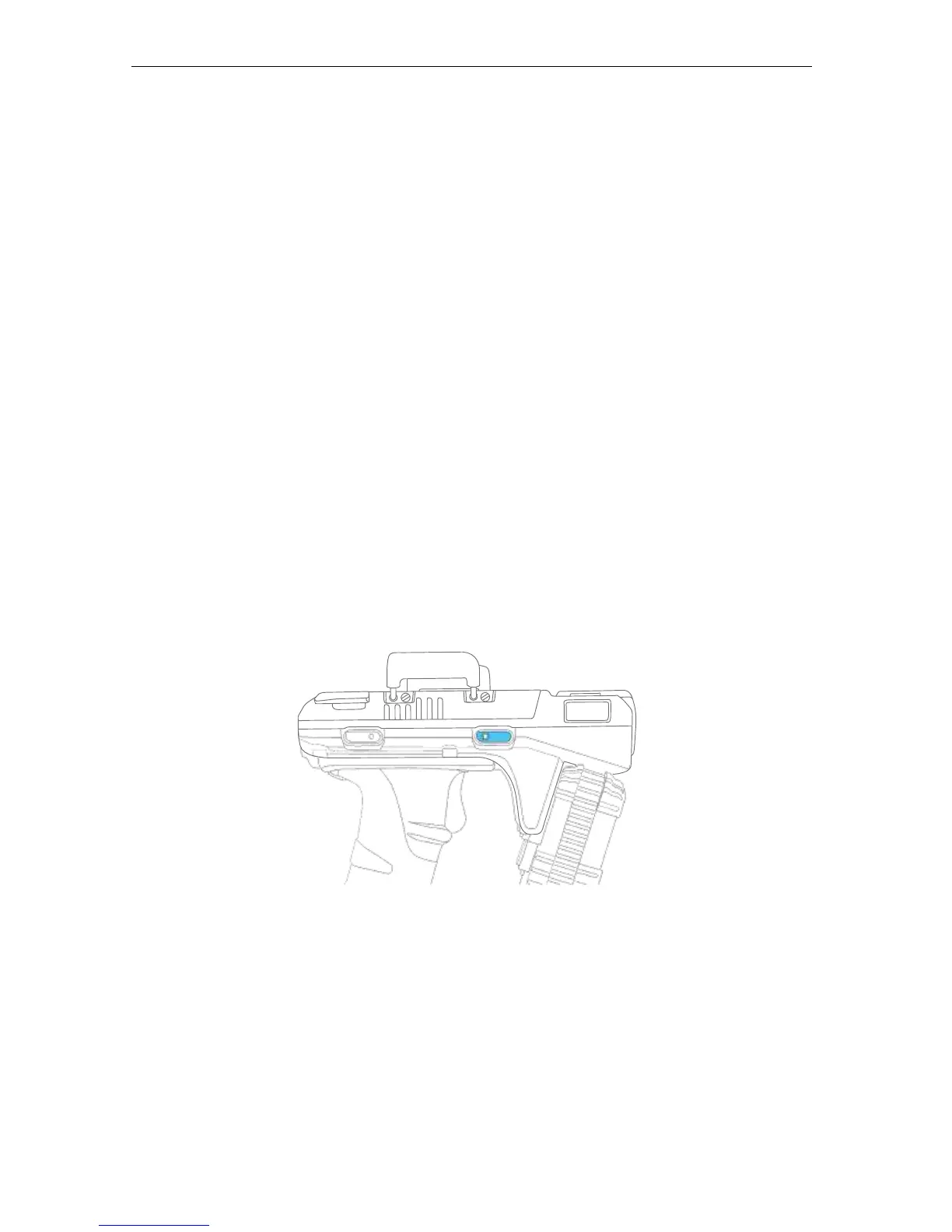
4.6 Removing the battery
1. Rotate fully backwards the two silver latches at the back of the top cover.
2. Slide back the cover.
3. Press down on the blue locking mechanism at the back to pop out the battery.
4.7 Power Up the Reader
1. Make sure the battery is inserted properly and is charged..
2. Press the power button on the right side of the reader continuously for 3 seconds then
release.
3. After you release the button, the Green Power LED will light up and the Blue Bluetooth
LED will begin a slow blink.
4. The reader is now turned on and ready for Bluetooth pairing.


 To Next Page