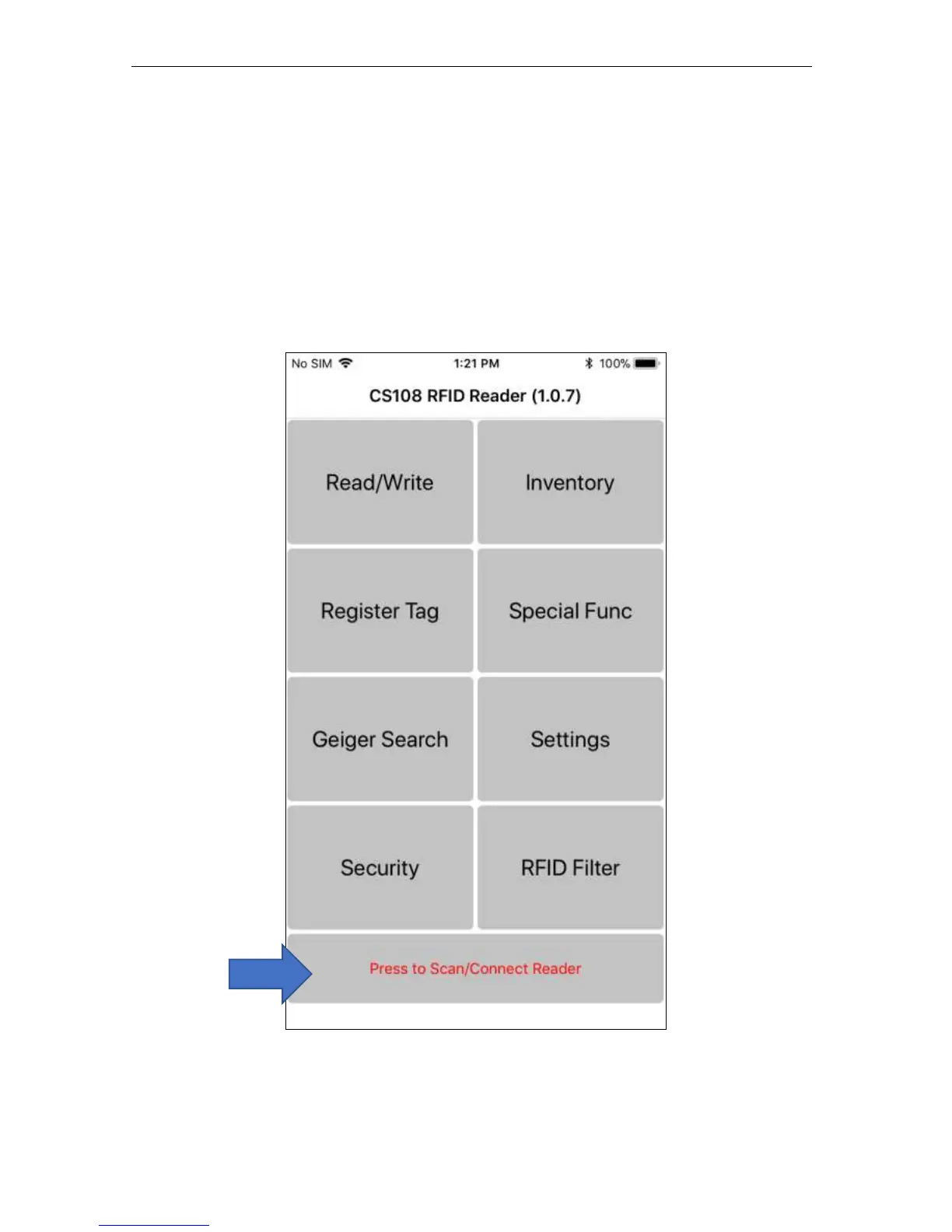
5.1.2.3 Main Menu
The Main Menu will launch when you start the CS108 iPhone App. There are 8 function
buttons and 1 connection button. The text color on the connection button indicates whether a
CS108 reader is connected (blue text) or disconnected (red text).
To connect, press the button with text “Press to Scan/Connect Reader” to begin searching and
making a connection to CS108 reader.


 To Next Page