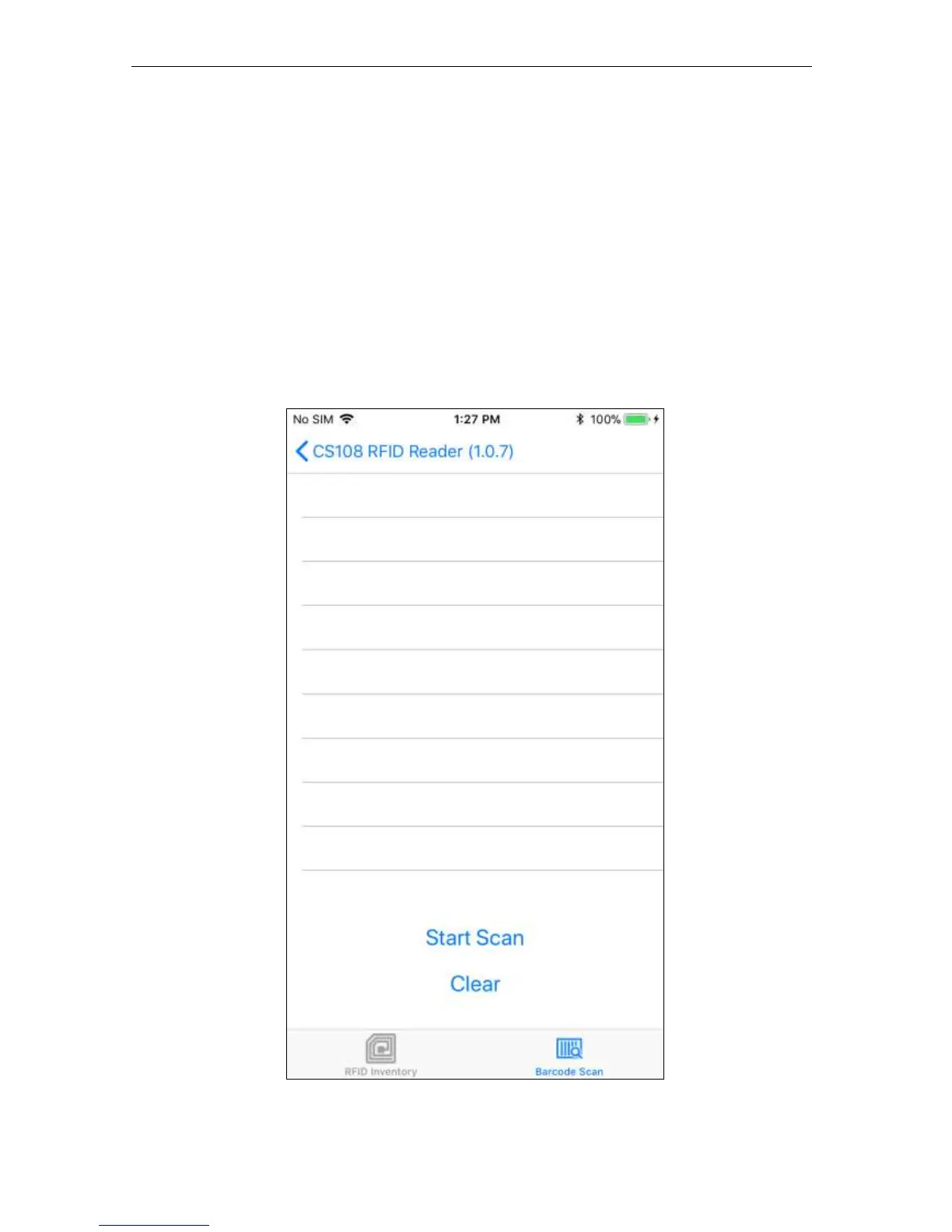
5.1.2.7 Barcode Inventory
To inventory Barcodes, select Barcode Scan at the bottom of the screen.
Pull the sled trigger or press Start on the application screen to activate the scanner.
There is a registration/target dot to aim the scanner. A high tone will be heard when a new
Barcode is scanned and a low tone will be heard when a barcode is read again.
Previous scans can be cleared by pressing the Clear text button on the screen.


 To Next Page