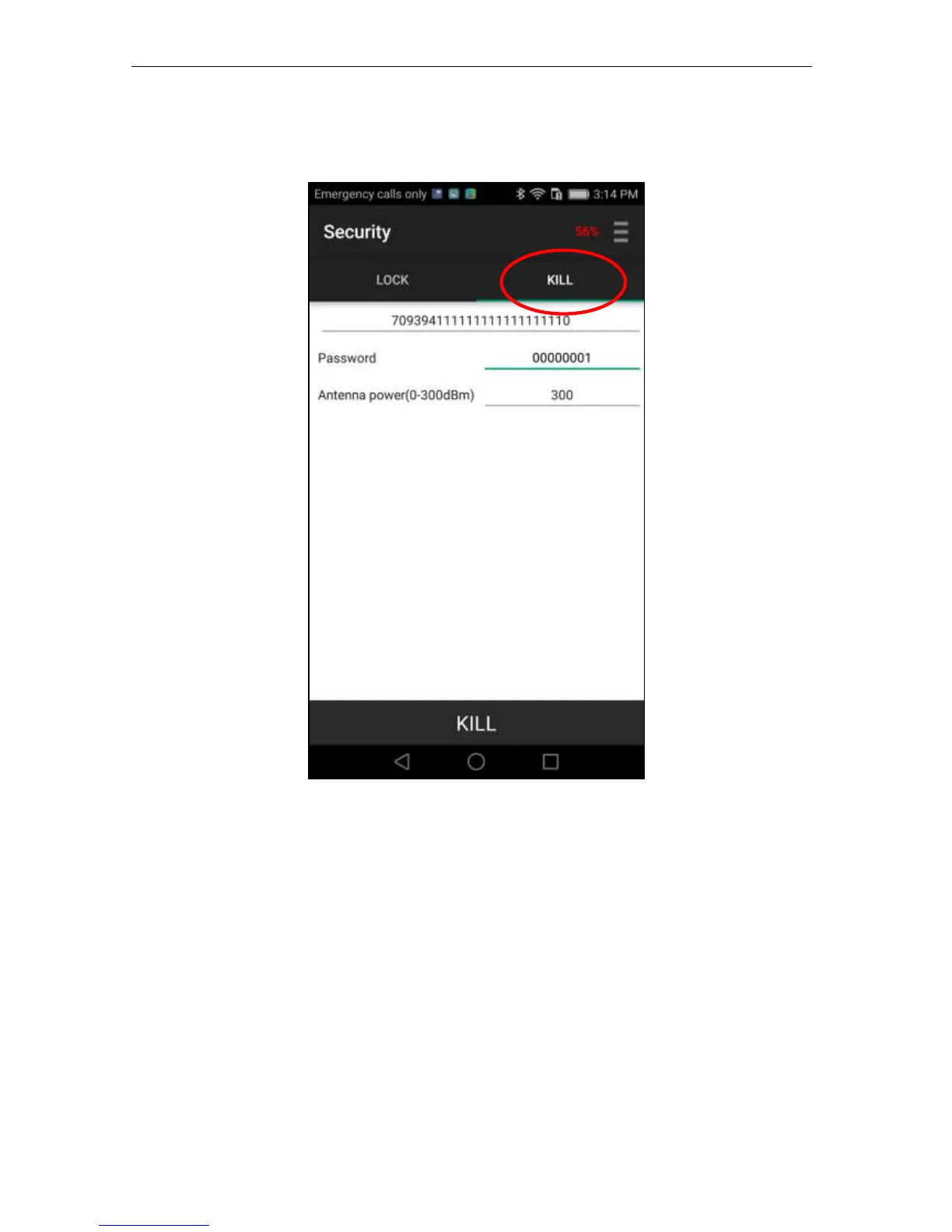
Pressing KILL at the top of the screen presents the feature for killing a tag. Note it asks you to
enter the Kill password immediately:
After entering the correct password, press KILL button at the bottom of the screen, the tag will
be killed. During the process, the word “KILL” will be changed to “KILLING”, and , if
successful, a “Success” message will pop up above the bar.
Reminder: The Kill password must be non-zero for you to be able to implement any security
action. This is an EPC Global Standard definition and requirement.


 To Next Page