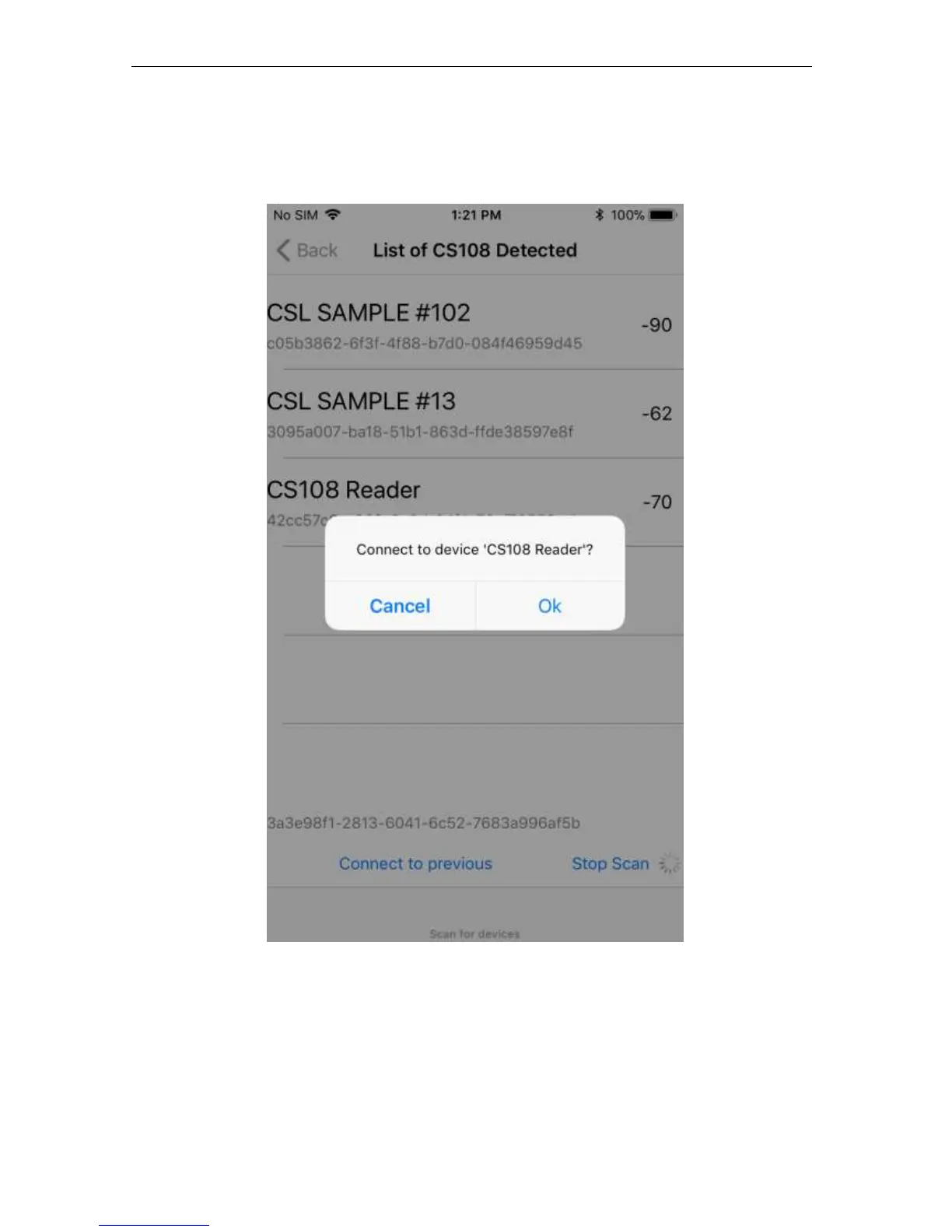
Once you select a particular reader by pressing your finger onto that selection, then a pop up
window will ask you if you want to connect to that reader. Press “Ok” to connect.
After that, the software will automatically return to main menu screen of the application.
*Note the Reader Name is very useful to distinguish between various readers on the screen. To
change name, go to Settings > Administration and edit the Reader Name field. For help see
section 5.1.2.5 Settings.


 To Next Page