CANedge2 Docs, Release FW 01.04.02
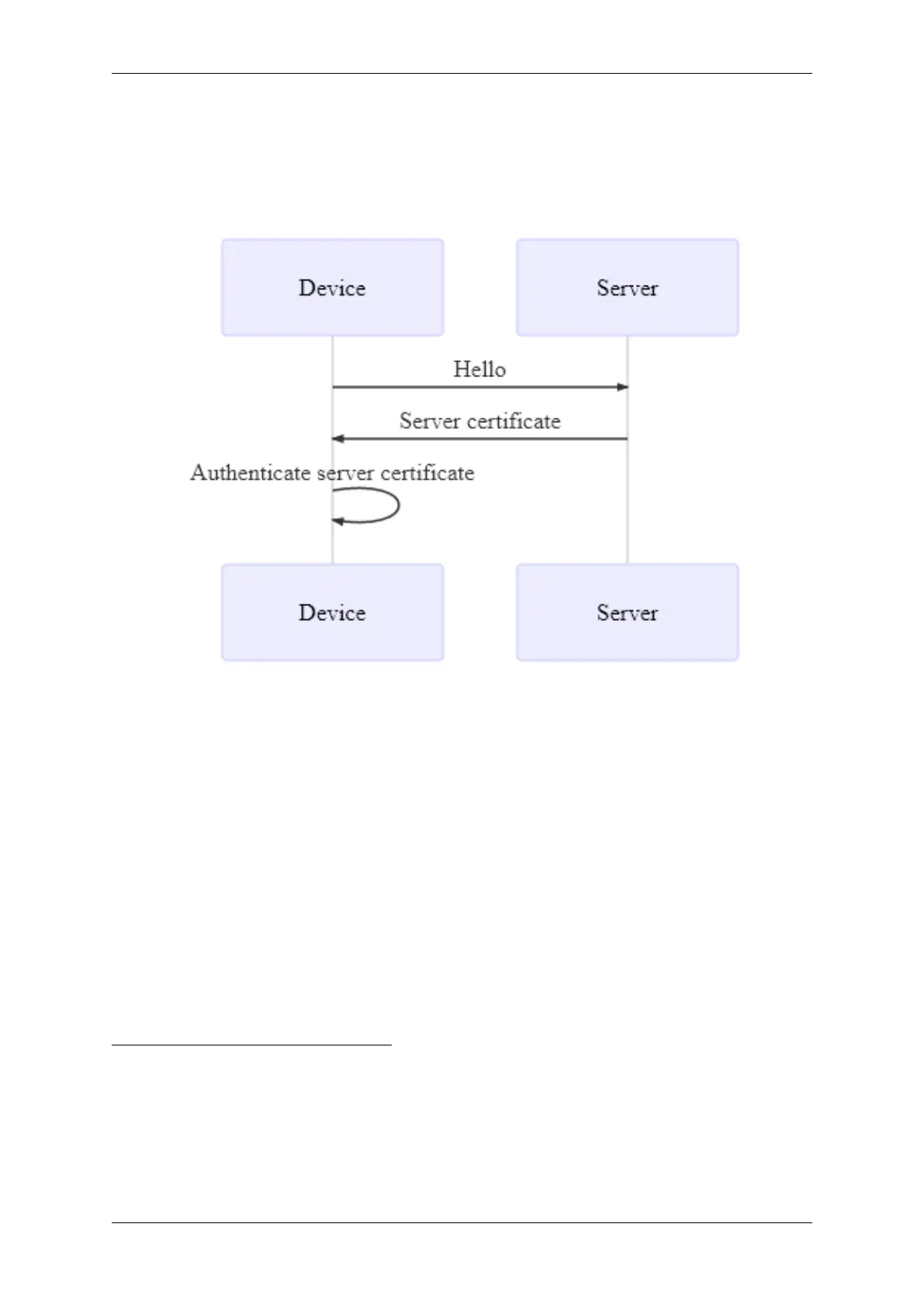
Server identity authentication
HTTPS (TLS) is used to authenticate the server certificate. This ensures that devices only allow con-
nections to trusted servers.
Server certificate authentication sequence:
Installation requirements
Same as Low Security Mode. Additionally, devices are pre-loaded with the CA certificate used to issue
the server certificate - see the installation details further below.
High security mode
For details on this mode, see the online documentation.
0.7.4.2 TLS/HTTPS
The CANedge uses TLS v1.2 for secure communication
12 3
, providing the following mechanisms:
• Encryption of data transmissions
• Server identity authentication (using certificates)
• Device identity authentication (using certificates)
1
Supported ciphers: TLS_RSA_WITH_AES_128_CBC_SHA, TLS_RSA_WITH_AES_128_CBC_SHA256,
TLS_DHE_RSA_WITH_AES_128_CBC_SHA, TLS_DHE_RSA_WITH_AES_128_CBC_SHA256,
TLS_RSA_WITH_AES_128_GCM_SHA256, TLS_DHE_RSA_WITH_AES_128_GCM_SHA256,
TLS_ECDHE_RSA_WITH_AES_128_GCM_SHA256
2
The device is not compatible with servers that only support DSA certificates.
3
512, 1024, 2048 bit key sizers are supported. 2048 bit key size is recommended, see https://knowledge.digicert.com/
generalinformation/INFO1684.html
56 CONTENTS



 To Next Page