CANedge2 Docs, Release FW 01.04.02
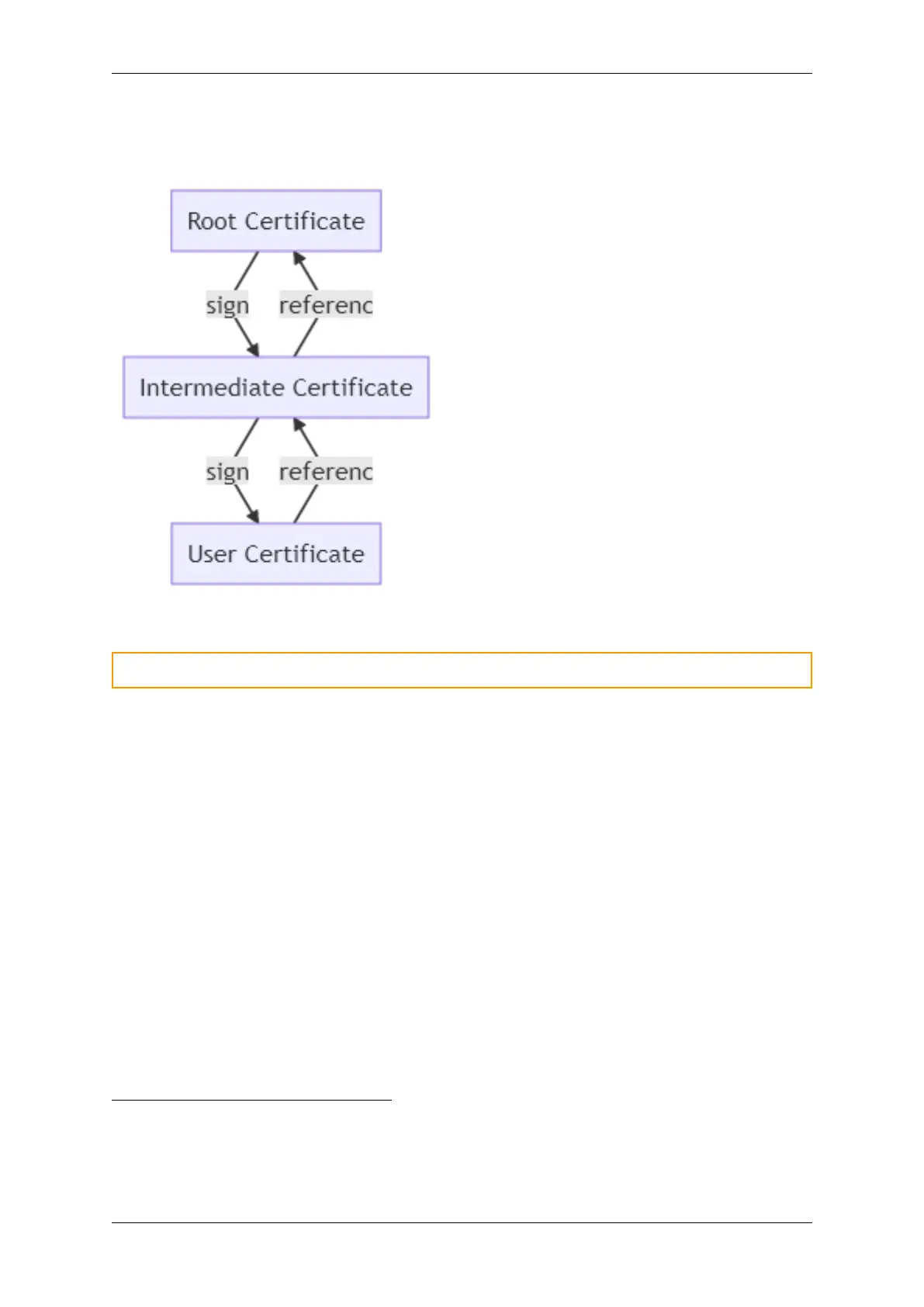
TLS uses a chain of certificates for establishing trust. At the top of the chain is the root certificate
authority (CA). At the buttom is the user (application) certificate. In this specific case, the user
certificate is used to identify either the server or the client (device).
In order to trust the user certificate, one of the certificates above it in the trust chain must be trusted.
Warning: Be aware that certificates have an expiration date. An expired certificate is not trusted
Enabling server identity authentication
This section explains how to enable TLS/HTTPS server identity authentication on the CANedge.
When server identity authentication is used (Medium Security Mode and High Security Mode), the server
must provide a trusted certificate proving its identity in order for the CANedge to accept the connection.
The server certificate is trusted if the device is configured to trust one of the certificates above it in the
trust chain. Self-signed certificates are used directly, as these do not form a trust chain.
The device supports up to 10 server certificates as a bundled PKCS#7 (.p7b) file
4
.
Some servers have several certificates installed. The device uses the TLS extension field Server Name
Indication (SNI) to indicate to the server which certificate to return (if a hostname is used as endpoint).
Below describes how to first prepare and then install trusted server certificates on the device.
Prepare certificate(s)
Trusted certificates are stored in a single file (/certs_server.p7b) on the device. The flow chart below
shows how to prepare the certificate bundle depending on the number of certificates to install:
4
The device does not support multiple certificates from the same issuer (the Issuer field) as this field is used to
distinguish the certificates
0.7. Remote access 57



 To Next Page