CANedge2 Docs, Release FW 01.04.02
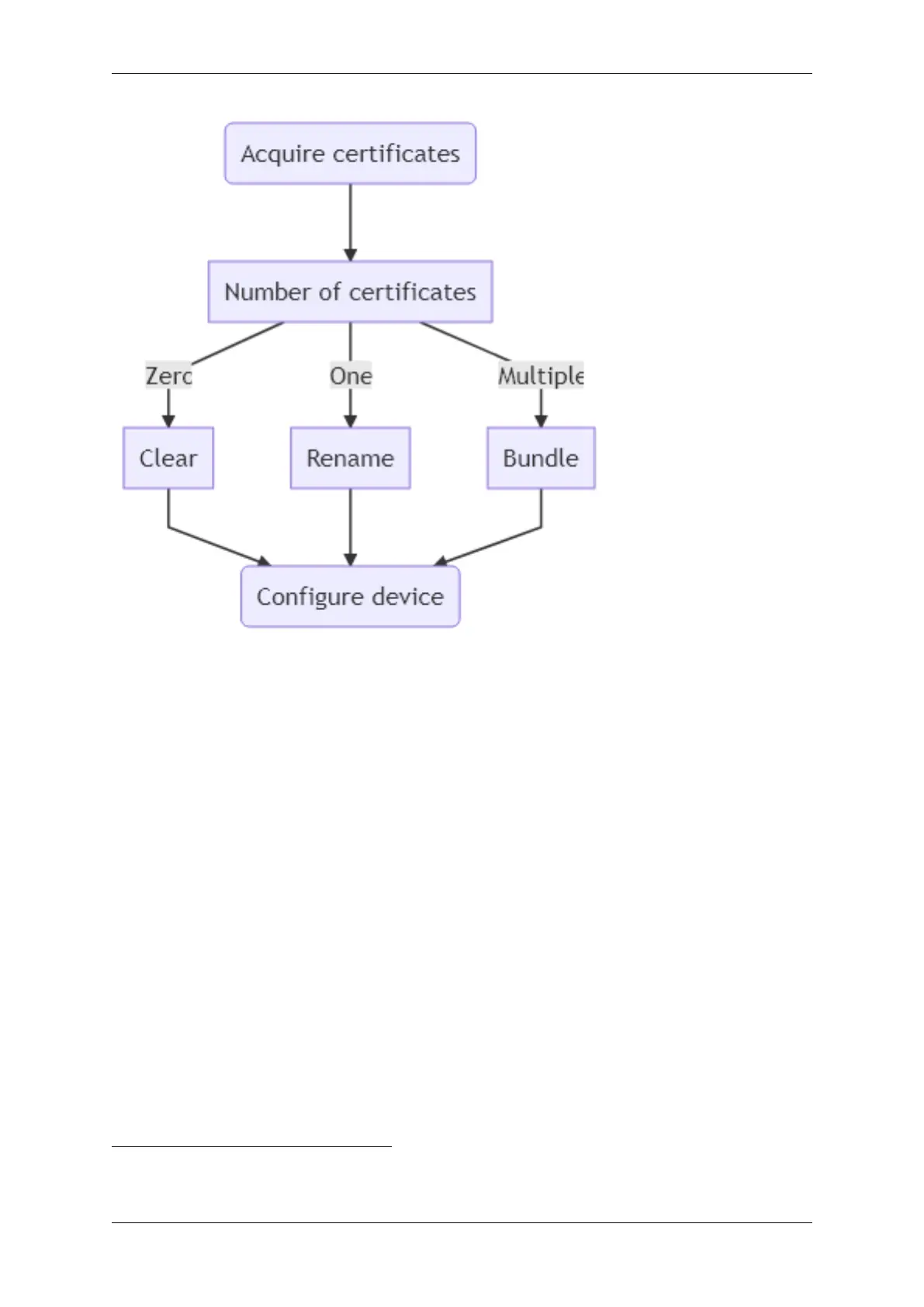
Zero certificates (Clear)
Clear all loaded certificates by creating an empty/blank file called certs_server.p7b
One certificate (Rename)
Prepare a single certificate by renaming:
1. Acquire the trusted certificate (e.g. the root certificate) in a supported format (.pem, .cer, .crt,
.der)
2. Rename the certificate to certs_server.p7b
Multiple certificates (Bundle)
Prepare multiple certificates by creating a PKCS#7 bundle containing all the certificates.
Generation of certificate bundles requires a tool, such as the free OpenSSL library
5
1. Acquire the trusted certificates (e.g. root certificates) in a supported format
2. Copy all the certificates into a single folder
3. Open a console/command prompt in the folder
4. Run openssl crl2pkcs7 -nocrl -certfile certificate_1.pem -certfile certificate_2.
pem -out certs_server.p7b with the filenames of the certificates replacing certificate_1,
5
Linux: Check the package manager for the distribution, Mac OS: Homebrew, Windows: Available as a part of pre-
packaged git
58 CONTENTS



 To Next Page