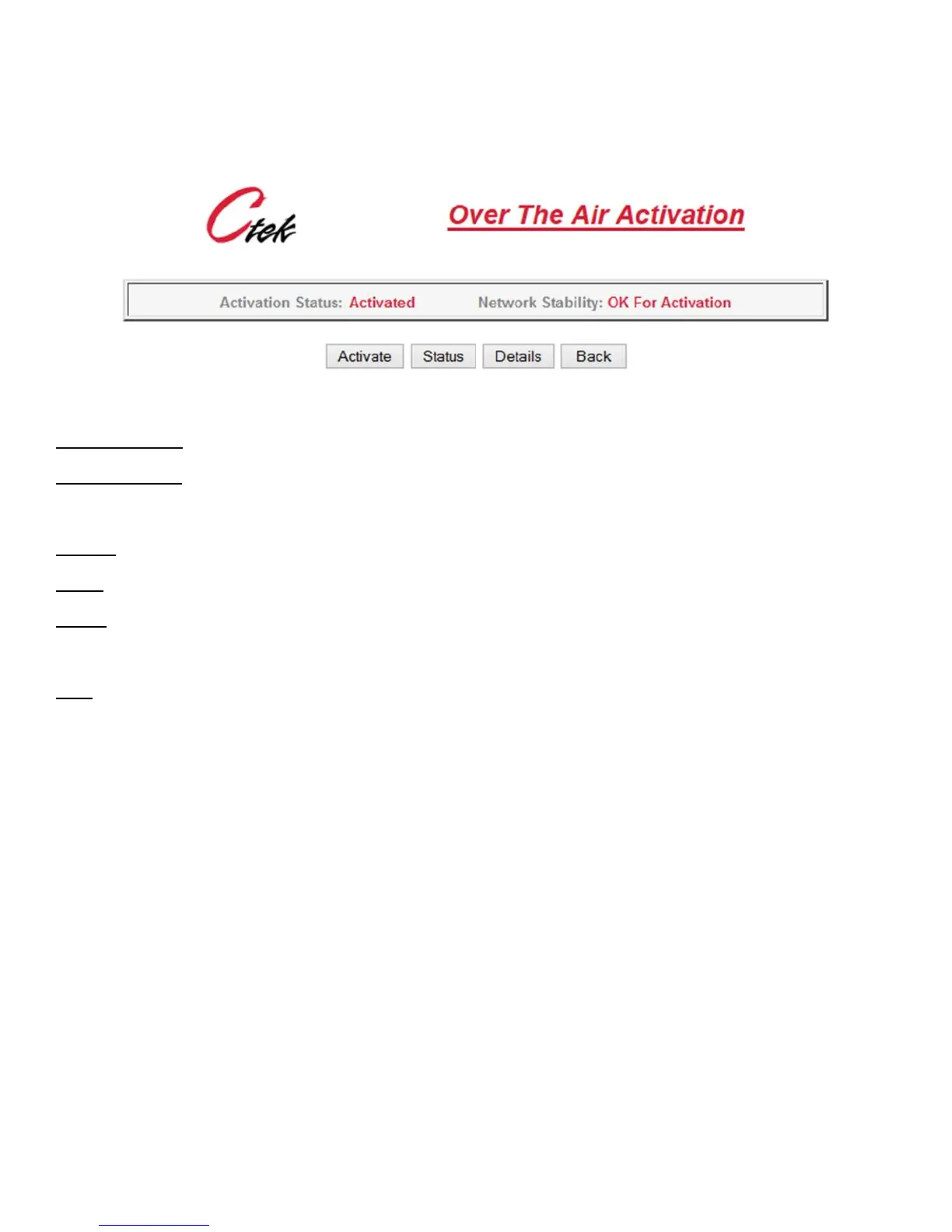
Selecting the Over The Air Activation option on either of these screens will cause the actual activation screen (Figure 34)
to be displayed.
Figure 36 - Activation Control
Activation Status – Activated or Not Activated
Network Stability – Indicates OK For Activation if during the previous two minute sample period the RSSI is less that
(smaller negative number) -99dBm, the SID has not changed, and the unit has access to 1xRTT connectivity. IOTA
activations do not currently for when the connection is EV-DO only.
Activate – Causes the unit to contact the network for an over-the-air activation
Status – Refreshes the current screen so that progress can be monitored.
Details – Displays a scrolling screen (Figure 35) with low level messages between the unit and the network. Useful when
an activation problem is encountered.
Back – Return to the Activation Services screen.
Detailed information on IOTA or OTAS activations are covered in the TechNote appropriate for your network. The Status
and Details buttons can be used to monitor the activations progress.



 To Next Page