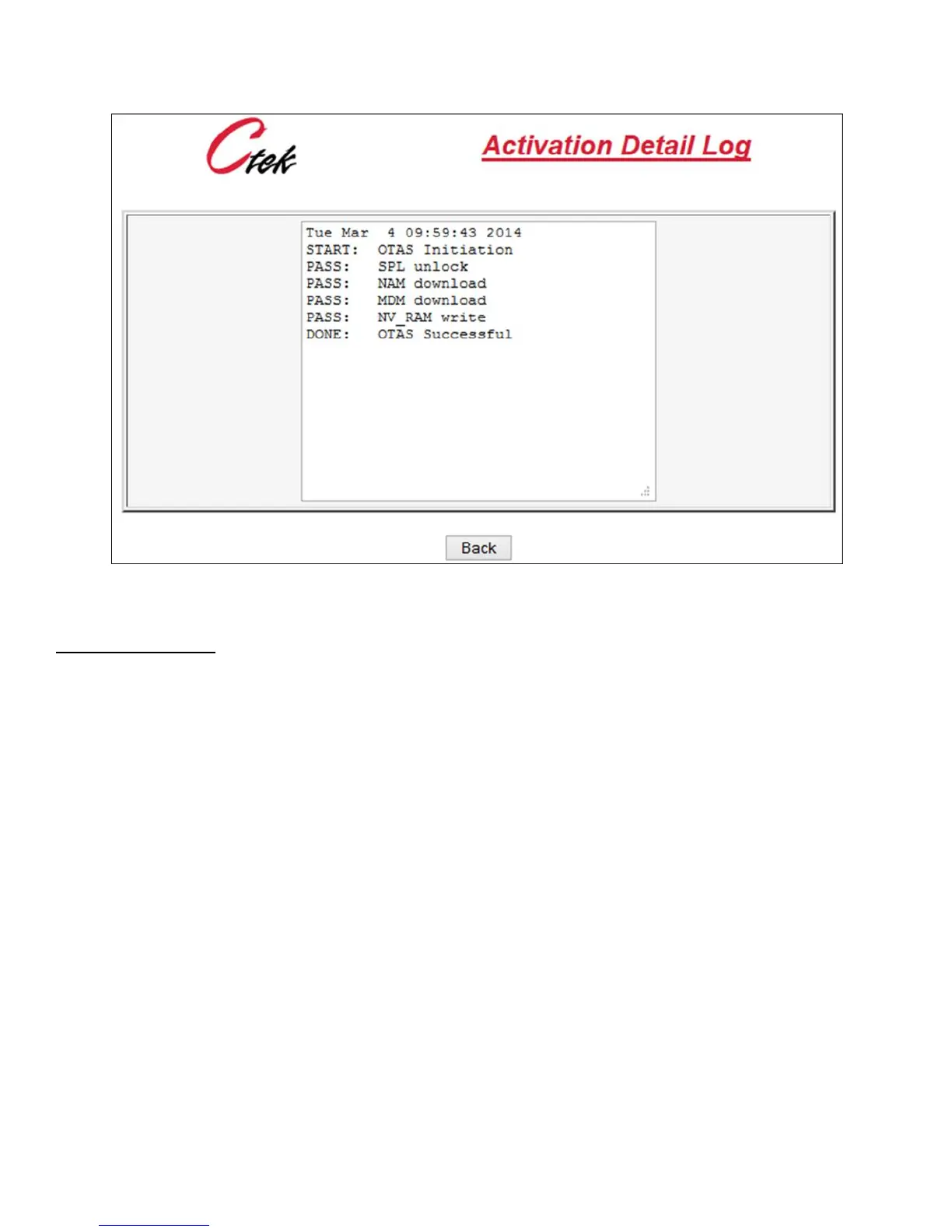
Figure 37 - Activation Log
Manual Configuration – Manual activations are performed using specific AT commands to program the router’s radio
module. The Manual Session selection is a general purpose AT command interface that can be used to perform manual
activations or to enter and observe other AT commands as required. AT commands (Example ATDT) are entered in the
top field on the Manual Activation screen and the resulting radio and/or network status is displayed in the scrolling region
below.



 To Next Page