Instruction Booklet
19ENGLISH
KHEOS PLUS
EN
If the outdoor temperature is low, before proceeding with the charge to vehicle phase, use the function “Cylinder pressure > 7 bar”
described in the “SERVICE” menu section.
- Connect the high and low pressure pipes to the A/C system
- Open the HP and LP valves, or if there is only one service point, open the corresponding valve.
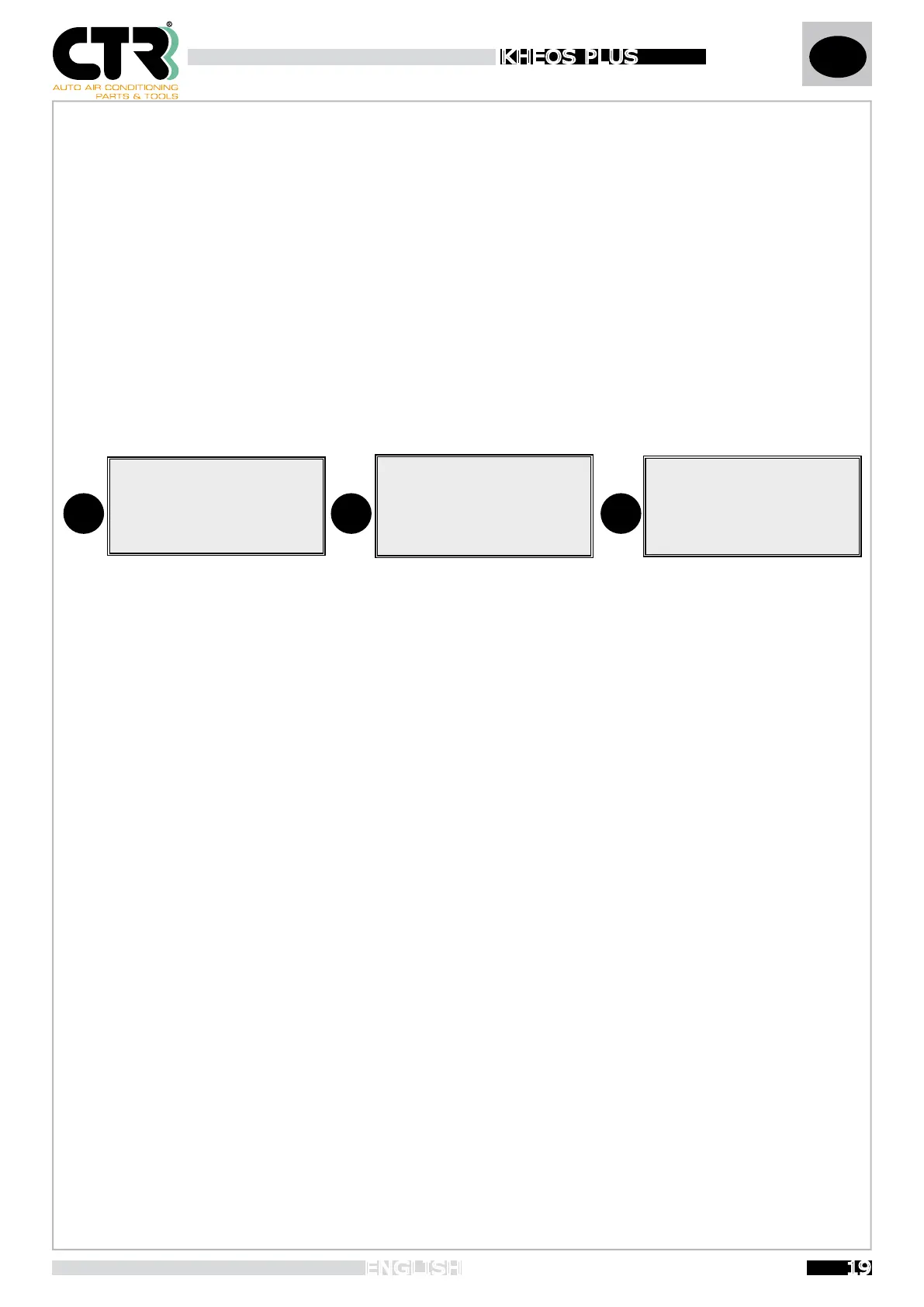
- Select “CAR CHARGING” with the
“+ ↑” and “- ↓ ”
buttons
and press OK to confirm. (Fig.1)
- Select the brand, select the model, select the equipment, view the quantity of fluids and oil viscosity, then press OK to confirm.
- Move the cursor “>” to the items involved “Gas”-”Oil”-”Vac”, press OK button to select it and use the “+ ↑” and “- ↓ ” buttons
to edit the value. Changes are made in 5 grams steps for gas quantity, in 1 gram steps for new oil quantity and in 5 minutes steps
for vaccum time.
- Select “Start cycle” and press OK button to continue.
1
GAS : 00.000 Kg
VACUUM
> CAR CHANGING
BOTTLE CHARGE
FLUSHING
2
> MANUAL
ALFA
AUDI
BMW
5
GAS : 500 g
OIL : 15 g
VAC : 30 MIN
> START CYCLE
- Once you have selected “CAR CHARGING”, you can select to continue in two ways (Fig.2):
1 - Database controlled charge
2 - Manual charge
- Database controlled charge allows you to use the first-installation values for gas, oil-type and recharge quantity given by the
memory card after selecting the vehicle.
- Select “Start cycle” and press “OK” button to continue.
The refill unit beeps and display shows the message “Oil: XXXXg”. It means that, if necessary, it’s possible to refill the A/C car
system with new Oil; the new Oil quantity is shown by the display and it’s the same value view during the car selection.
- Press and hold on “OK” button to refill the new Oil and check the level in the new oil bottle (OIL IN).
- Release “OK” button when the correct amount of new oil has been filled.
- Press “ESC” button for the next step.
The refill unit beeps again.
- Press “OK” button to continue.
The refill unit automatically continues with the gas charge process.
If an error occurs, the display will show the associated message and give an acoustic signal. Press the “ESC” button for 2 seconds
to exit
At the end of the cycle, you will be prompted to print the report, if this feature is present.
- Press “OK” button to print or “ESC” button to return to the main menu.
-
Manual filling enables you to set the refrigerant value you require. The 500g value given as default can be changed using the “
+
↑
” and “
- ↓
” buttons (fig.5), or you can enter a new value through the “Service-Customizing” menu
.
The quantity of oil displayed is the result of the proportion of the gas and oil mix, so that you will know the exact quantity of oil
that needs to be charged into the A/C system for the refrigerant alone.
- To disable an item, set the value to zero.


 To Next Page