Instruction Booklet KHEOS PLUS
28 ENGLISH
EN
The green status LED indicates the hardware status of the printer. In the event of malfunctioning, the LED flashing frequency will
change according to the following table.
LED status Color Description
OFF Printer off
ON Printer on: no error
FLASHING
RECOVERABLE ERROR
Slow Out of paper
Fast
Print head overheating
Incorrect supply voltage
To change the paper roll, proceed as follows:
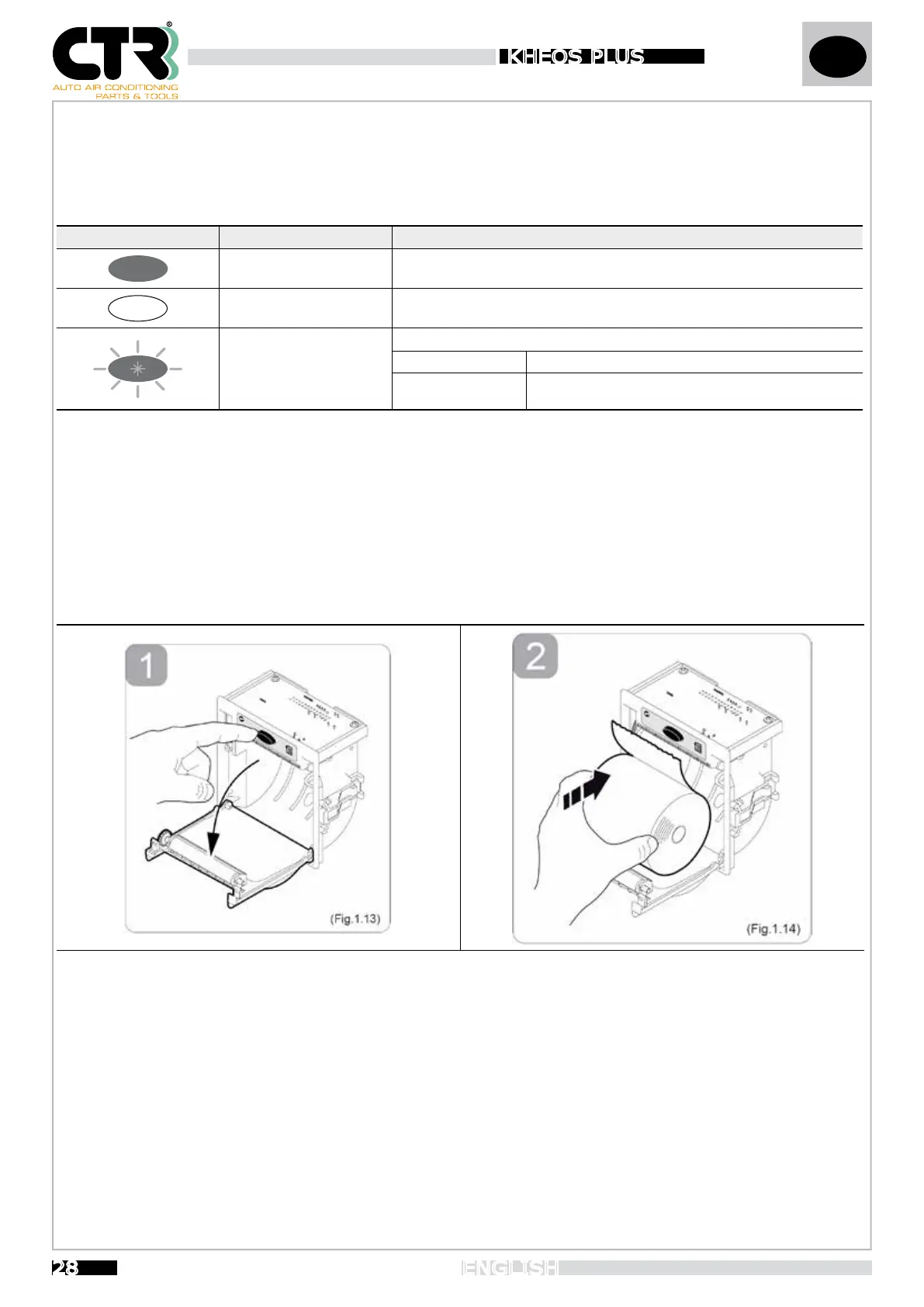
1- Open the printer cover by pressing the OPEN button (see Fig.1.13).
2- Position the paper roll in the compartment, respecting the rotation direction indicated (see Fig.1.14).
3- Pull the paper until it comes out of the compartment and close the cover (see Fig.1.15). The cover locks.
4- Tear off the excess paper using the serrated edge (see Fig.1.16)
5- The printer is now read for printing.


 To Next Page