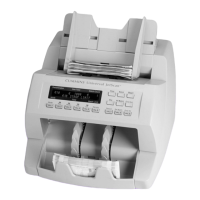
Stopping conditions and recovery steps | Single-pocket JetScan
®
currency scanner | 15
Condition The machine stopped on a
non-oriented note.
Action Orient the note, place it in the
hopper, and press CONT.
Condition The machine detected a
different denomination from those being
counted and stopped. This STRANGER is
the top note in the pocket and has not
been included in the count.
Action
Remove the top note from the
pocket and press CONT.



 To Next Page