If copying/pasting, eye-drop this text to
ensure a uniform look for all installation
paragraphs.
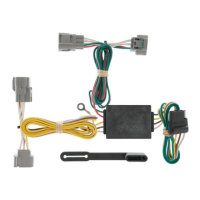
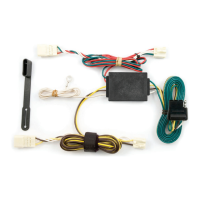
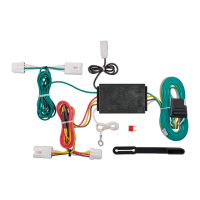
1. Open trunk and remove threshold panel.
Partially remove the felt trunk liner on
driver’s side(P3), exposing the taillight
wiring.
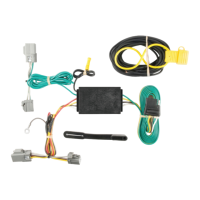
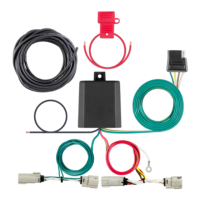
2. The harness will have a connection point
with connectors matching the ends of the
T-connector adapter. Separate the harness
connectors, being careful not to break the
locking tabs.
3. Insert the T-connector between the
harness connectors and lock into place.
Route the single connector with the green
wire to the 2-way connector just below the
threshold on driver’s side of the car.
Note: Be sure that the connectors are fully
inserted with locking tabs in place.
4. Secure the black converter box using the
double-sided tape to a suitable location as
shown. Locate a suitable grounding
point near the connectors. Drill a 3/32"
pilot hole and secure white wire with ring
terminal using screw provided.
6. Reposition the trunk liner and reattach
the threshold panel.
WARNING!
Verify miscellaneous items may be hidden
behind or under and surfaces before drilling
to avoid damage to vehicle and/or personal
injury.
3/10/09
55502
ACURA TSX
HONDA ACCORD

 Need help?
 General

 To Next Page