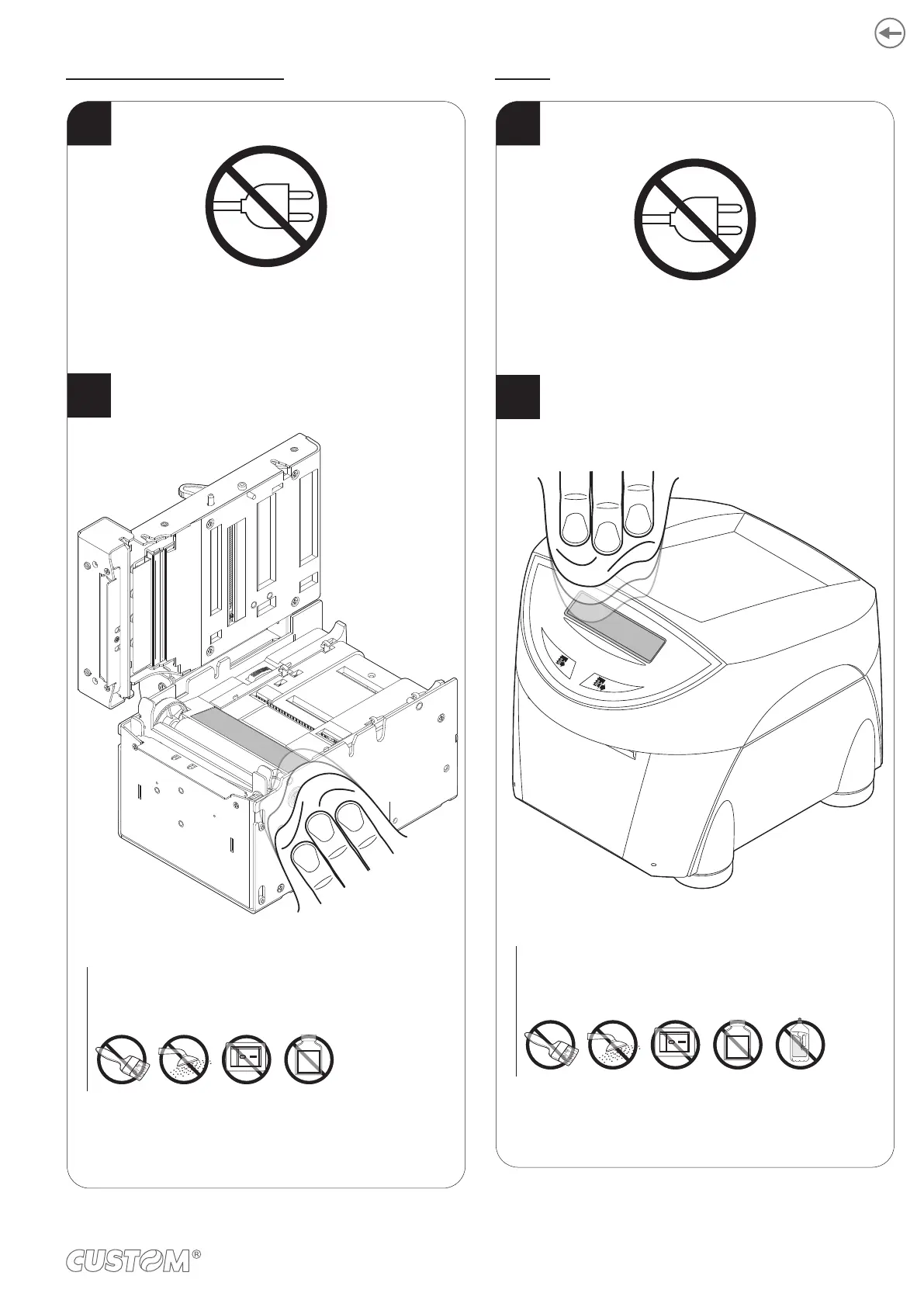
Windows for barcode reading
Clean the window for barcode reading
by using a soft cloth.
ATTENTION:
Do not use alcohol, solvents, or hard brushes.
Do not let water or other liquids get inside the machine.
ON
Alcohol, solvent
2
1
Disconnect the power supply cable and open the upper
device covers (see previous paragraphs).
Display
1
Disconnect the power supply cable.
2
To clean the display,
use compressed air or a soft cloth.
ATTENTION:
Do not use alcohol, solvents, or hard brushes.
Do not let water or other liquids get inside the machine.
Do not use ammonia-based products .
ON
Alcohol, solvent
Ammonia
109













 To Next Page