ASSEMBLY & ADJUSTMENTS (cont.)
INFEED / OUTFEED EXTENSION SUPPORT ADJUSTMENT
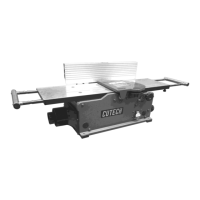
The infeed and outfeed extension supports are adjustable for coplanar or parallelism if ever
necessary. These are set at the factory. If after planing or edge joining a work piece, and
adjustment is necessary, follow these instructions.
1. On left hand side of jointer, place a straight edge on the outfeed table across the outfeed
extension support and check for parallelism.
2. The straight edge should lay flat on the outfeed table and the outfeed extension support
should just touch or leave a very small gap under the straight edge.
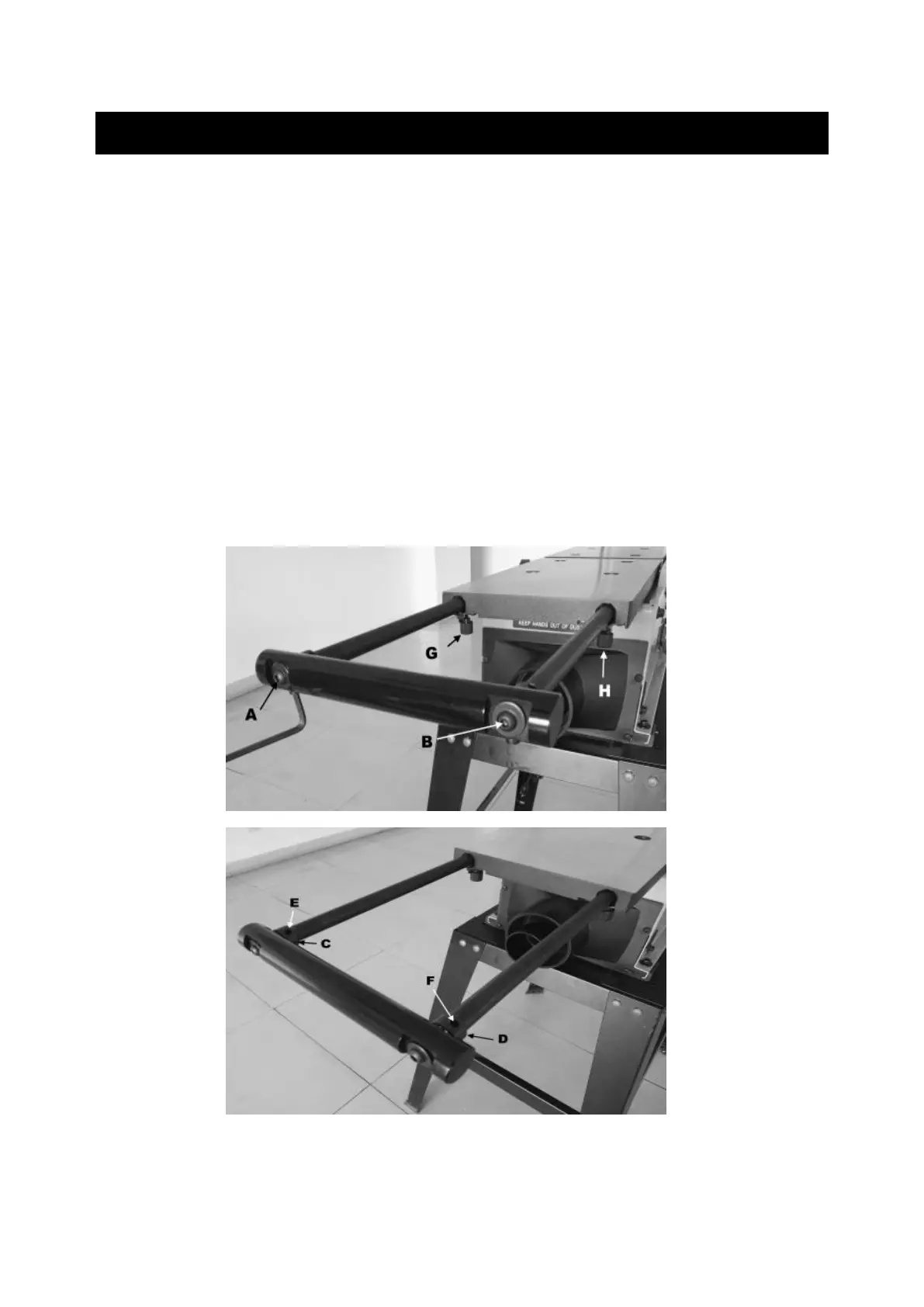
3. If adjustment is needed, loosen the extension lock nuts (G, H) by hand and then loosen
screws (A, B) with the supplied wrench. Then, rotate the leveling stud (C, D) by inserting
the wrench into the holes (E,F). If the holes (E,F) are at the top, the support will be at
highest position. If at the bottom, the support will be at lowest position. After completing
the above, tighten the screws (A, B). Then recheck the parallelism. SEE FIG B & C below
FIG B
FIG C
Do the same way for the infeed table on the right side of jointer. These adjustments, if necessary,
may take a few attempts.


 To Next Page