EasyManua.ls Logo

CVS 271244 - User Manual

CVS 271244
34 pages
Print Icon
To Next Page IconTo Next Page
Loading...
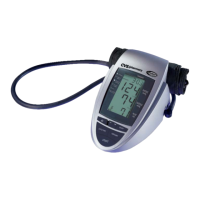
DIGITAL
ADVANCED
AUTOMATIC
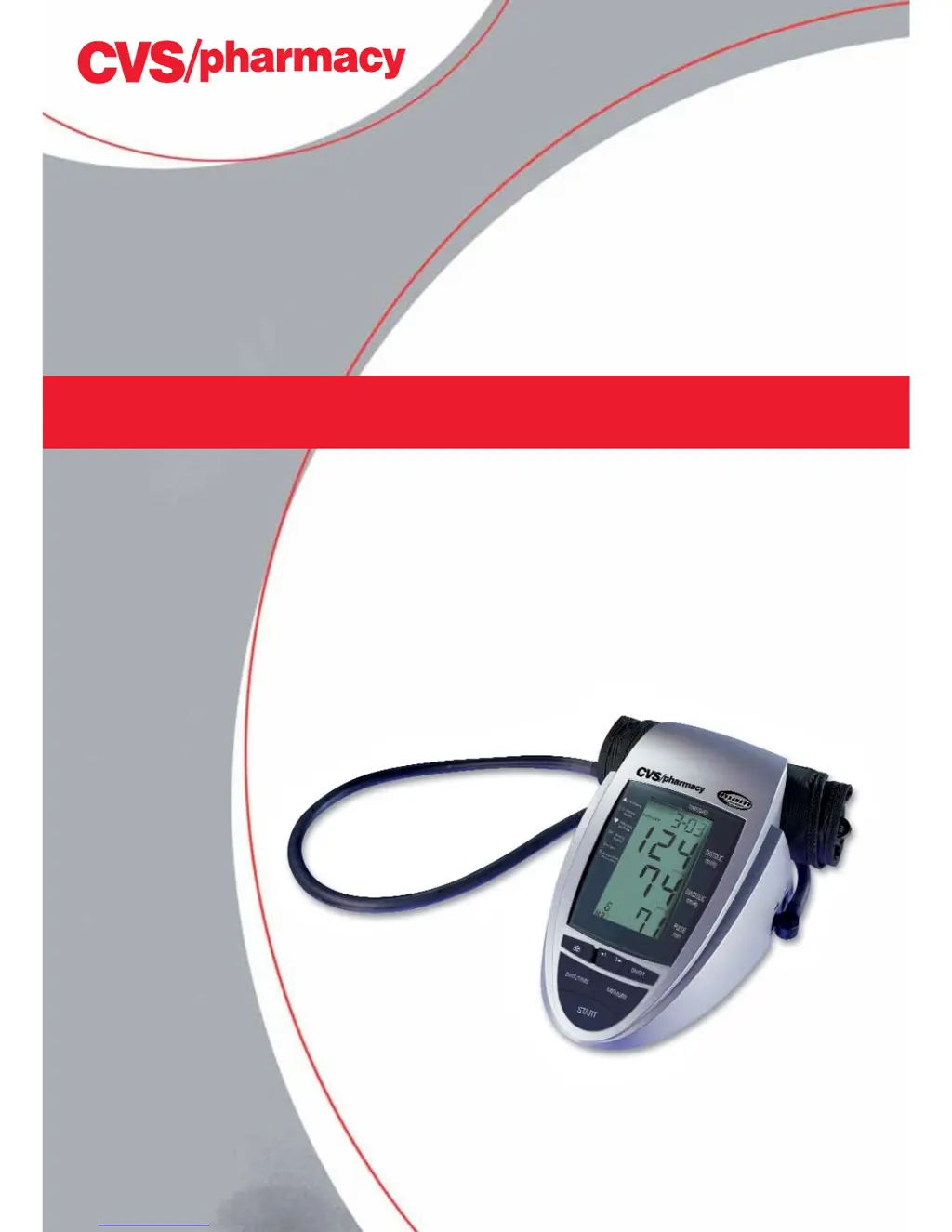
Blood Pressure Monitor
Product #271244
Instruction Manual
Instrucciones de Uso
Questions? Preguntas?
1-866-464-6184
PLEASE NOTE:
THIS MEDICAL INSTRUMENT MUST BE USED ACCORDING
TO INSTRUCTIONS TO ENSURE ACCURATE READINGS.

Table of Contents

Questions and Answers

  • M
    Mr. Victor Lee DDSAug 10, 2025
    What to do if my CVS Blood Pressure Monitor displays Err 1?
    • B
      Brenda HernandezAug 10, 2025
      If your CVS Blood Pressure Monitor displays 'Err 1', it means the device either couldn't detect a pulse or the systolic pressure was determined, but the cuff pressure subsequently fell below 20 mmHg. To resolve this, check the tube connections and then repeat the measurement.
  • B
    Brian AtkinsAug 19, 2025
    Why does my CVS 271244 show Err 2?
    • V
      Valerie WalkerAug 19, 2025
      If your CVS Blood Pressure Monitor shows 'Err 2', it indicates that your arm moved during the measurement. To fix this, remain still and repeat the measurement.
  • S
    Sydney ClarkAug 30, 2025
    What to do if my CVS 271244 Blood Pressure Monitor displays Err 5?
    • D
      destiny16Aug 30, 2025
      If your CVS Blood Pressure Monitor displays 'Err 5', it means the measured readings indicated an unacceptable difference between systolic and diastolic pressures. Try carefully taking another reading following all directions. If unusual readings persist, contact your doctor.

Summary

Introduction to the Blood Pressure Monitor

Important Self-Measurement Guidance

Provides crucial warnings about self-measurement, distinguishing it from diagnosis and treatment.

Blood Pressure Information and Standards

Managing High;Low Readings

Provides advice on actions to take for high/low blood pressure, including lifestyle changes and consulting a physician.

Device Components and Setup

Battery Installation Procedure

Step-by-step guide for inserting batteries and warnings about battery replacement.

Setting Time and Date

Instructions to set the integrated clock and date for accurate recording.

Measurement Process and Procedures

Common Measurement Errors

Lists errors and factors affecting accuracy: cuff fit, arm position.

Correct Cuff Fitting

Detailed, illustrated instructions for correct cuff positioning and fitting.

Performing a Measurement

Step-by-step guide to perform a blood pressure measurement.

Error Handling and Troubleshooting

Error Codes and Causes

Lists common error codes and their potential causes.

Malfunction Remedies

Addresses other malfunctions like display issues, pressure problems.

Device Care and Accuracy Checks

CVS 271244 Specifications

General IconGeneral
BrandCVS
Model271244
CategoryBlood Pressure Monitor
LanguageEnglish

Related product manuals