EasyManua.ls Logo

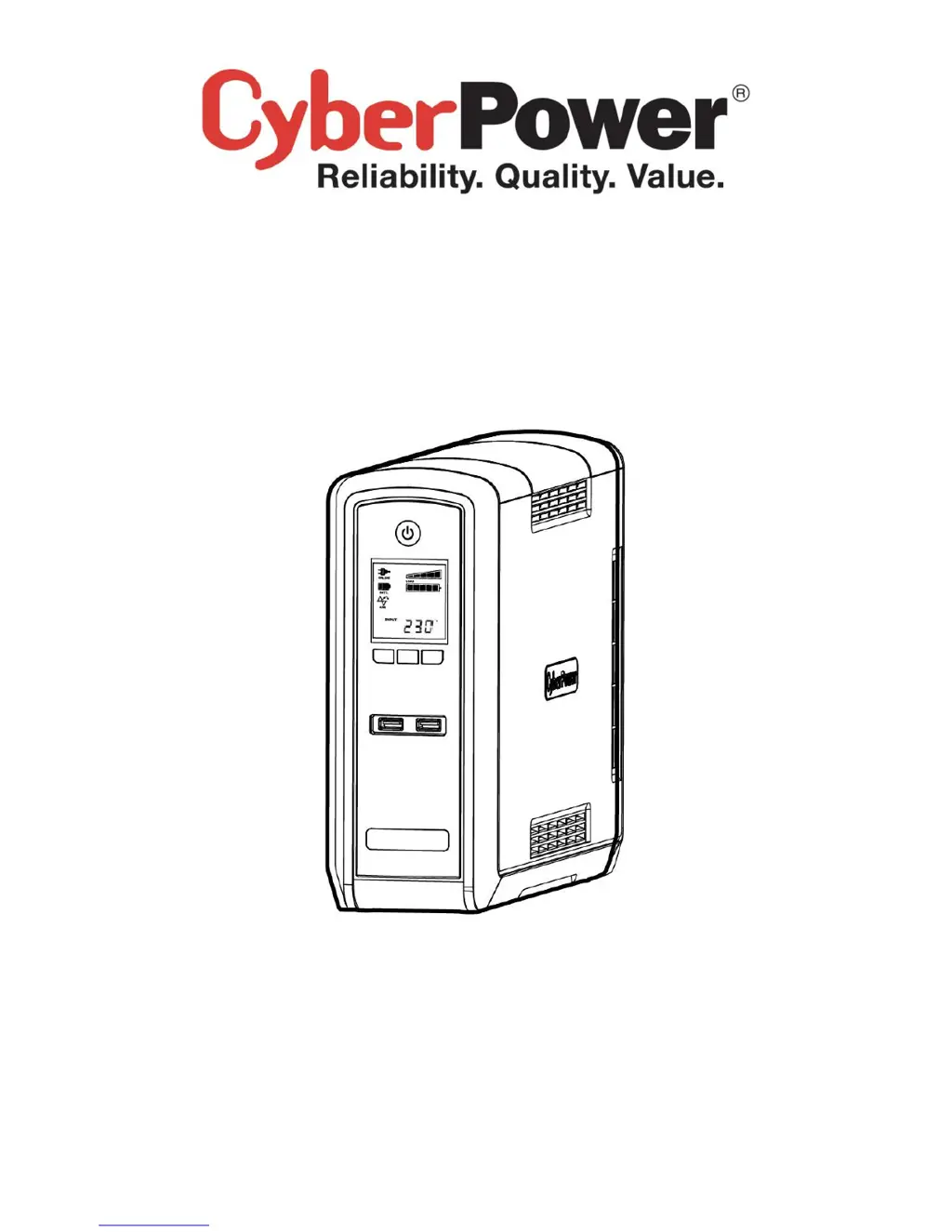
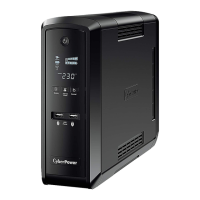
CyberPower CP1300EPFCLCD - User Manual

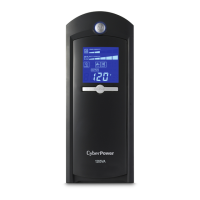
CyberPower CP1300EPFCLCD
10 pages
Print Icon
To Next Page IconTo Next Page
Loading...
K01-0000197-00
CP1300/1500EPFCLCD
User’s Manual

Questions and Answers

  • N
    Nicole WatkinsJul 26, 2025
    How to fix CyberPower CP1300EPFCLCD that will not turn on?
    • A
      Alyssa LongJul 27, 2025
      There are several reasons why your CyberPower UPS might not turn on. The on/off switch is designed to prevent damage by rapidly turning it off and on. Turn the UPS off, wait 10 seconds, and then turn it back on. If this doesn't work, contact CyberPower Systems at service@cyberpower-eu.com, as the battery may be worn out or there could be a mechanical problem.
  • M
    Michael BrownAug 3, 2025
    What to do if the CyberPower CP1300EPFCLCD UPS circuit breaker button is projecting?
    • J
      Jon LarsenAug 3, 2025
      If the circuit breaker button is projecting from the back of your CyberPower UPS unit, it indicates that the circuit breaker has tripped due to an overload. To resolve this, turn the UPS off and unplug at least one piece of equipment. Wait 10 seconds, reset the circuit breaker by depressing the button, and then turn the UPS back on.
  • T
    thomasdiazAug 10, 2025
    Why CyberPower CP1300EPFCLCD does not perform expected runtime?
    • E
      Erica WalkerAug 10, 2025
      There are a couple of reasons why your CyberPower UPS might not be performing as long as expected. It could be that the battery is not fully charged; in this case, recharge it by leaving the UPS plugged in. Alternatively, the battery might be slightly worn out, in which case you should contact CyberPower Systems at service@cyberpower-eu.com about replacement batteries.
  • L
    Lance LongAug 18, 2025
    What to do if PowerPanel® Personal Edition is inactive on CyberPower UPS?
    • J
      Jonathon HowardAug 18, 2025
      If the PowerPanel® Personal Edition is inactive, it could be due to a couple of reasons. First, check that the USB cable is connected to the UPS unit and an open serial port on the back of the computer, using the cable that came with the unit. If it is connected, the unit might not be providing battery power. In this case, shutdown your computer and turn the UPS off. Wait 10 seconds and turn the UPS back on to reset the unit.

Summary

Important Safety Instructions

General Safety Precautions

Essential safety warnings for installation and operation, covering electrical hazards and proper usage.

Medical and Life Support Equipment Warning

Prohibition of using the UPS with medical or life support equipment due to safety risks.

Installing Your UPS System

Description and Basic Operation

Hardware Installation Guide

Initial Setup and Battery Charging

Instructions for initial UPS setup, including recommended battery charging time.

Battery Replacement

Battery Replacement Safety

Critical safety precautions and warnings before performing battery replacement.

Battery Replacement Procedure

Step-by-step instructions for safely removing and installing UPS batteries.

Troubleshooting

Circuit Breaker Troubleshooting

Solutions for issues related to the circuit breaker tripping due to overload.

CyberPower CP1300EPFCLCD Specifications

General IconGeneral
Output power780 W
Input frequency50/60 Hz
Audible alarm(s)Yes
Audible alarm modesBattery replacement
Output power capacity1.3 kVA
Power protection featuresOverload, Under voltage
Surge protection featuresFax, Modem, Network, Telephone
Input operation voltage (max)265 V
Input operation voltage (min)165 V
Output operation voltage (min)230 V
Power plugC14 coupler
AC outlet typesType F
AC outlets quantity6 AC outlet(s)
Serial ports quantity1
USB 2.0 ports quantity3
Form factorCompact
Display typeLCD
Product colorBlack
LED indicatorsPower, Battery replacement
Battery technologySealed Lead Acid (VRLA)
Battery recharge time8 h
Bundled softwarePowerPanel Personal
Compatible operating systemsWindows 7 Windows Vista Windows XP Windows 2000 Windows Server 2008 Windows Server 2003
Harmonized System (HS) code85078000
Weight and Dimensions IconWeight and Dimensions
Depth370 mm
Width100 mm
Height265 mm
Weight10000 g

Related product manuals