EasyManua.ls Logo

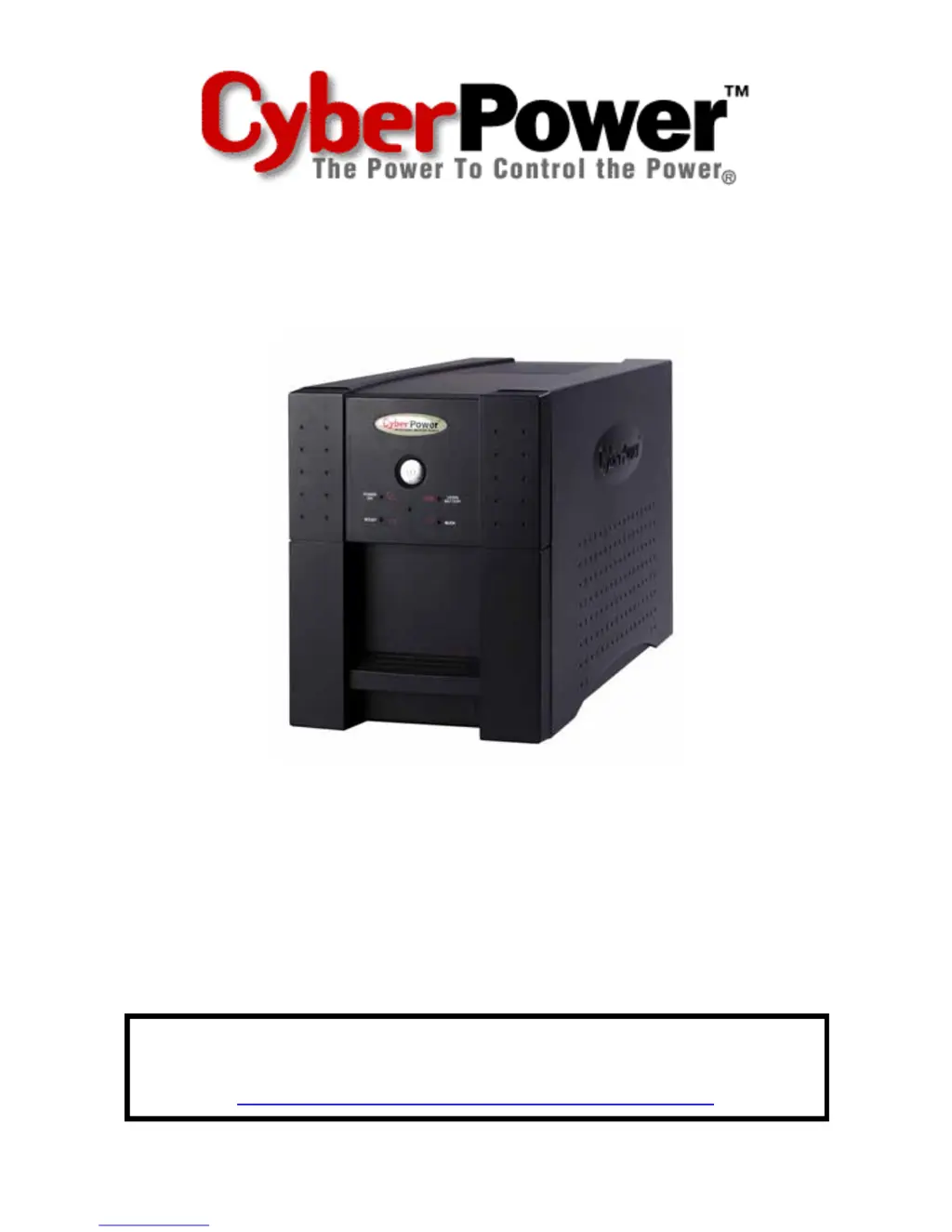
CyberPower OP850 - User Manual

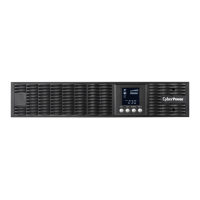
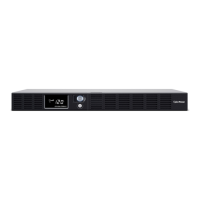
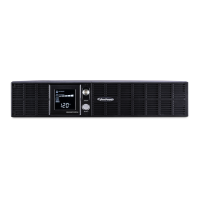
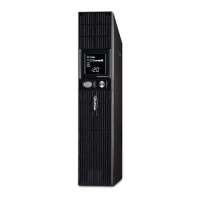
CyberPower OP850
18 pages
Print Icon
To Next Page IconTo Next Page
Loading...
User’s Manual
Utility Series UPS
OP850/1250
ADDITIONAL INSTALLATION TIPS CAN BE FOUND AT:
www.cyberpowersystems.com/support.htm

Questions and Answers

  • K
    Keith LewisAug 11, 2025
    Why my CyberPower OP850 will not turn on?
    • A
      antonio81Aug 11, 2025
      If your CyberPower UPS doesn't turn on, first ensure it's connected to a functioning 110/120v 60Hz outlet. The on/off switch is designed to prevent damage from rapid cycling, so turn the UPS off, wait 10 seconds, and then turn it back on.
  • R
    Ricardo FrenchAug 19, 2025
    What to do if CyberPower UPS outlets do not provide power?
    • A
      Angela LewisAug 19, 2025
      If the outlets on your CyberPower UPS aren't providing power, it could be due to a tripped circuit breaker from an overload, or discharged batteries. To resolve this, turn off the UPS, unplug at least one piece of equipment, wait 10 seconds, reset the circuit breaker, and then turn the UPS back on. Also, allow the unit to recharge for at least 4 hours.
  • S
    Stephanie Blake PhDAug 29, 2025
    Why is PowerPanel Plus inactive on my CyberPower UPS?
    • J
      Jennifer JacksonAug 29, 2025
      If PowerPanel Plus™ is inactive (all icons are gray), make sure the serial cable is correctly connected to both the CyberPower UPS unit and an open serial port on the back of your computer, using the cable that came with the unit. If the cable is connected to the wrong port, check the back of the computer for an additional serial port and move the cable to this port. If the unit is not providing battery power, shutdown your computer and turn the UPS off. Wait 10 seconds and turn the UPS back on to reset the unit. Also, ensure that you are using the serial cable provided with the unit for proper communication between the software and the UPS.

Summary

IMPORTANT SAFETY WARNINGS

General Safety Precautions

Various cautions regarding electrical shock, fire risk, and proper usage of the UPS unit.

BATTERY REPLACEMENT AND STORAGE

Battery Replacement Procedure

Steps to turn off, unplug, flip, unscrew, and remove the battery cover for replacement.

TROUBLESHOOTING

UPS Runtime Issues

Addresses issues with UPS not meeting expected runtime due to battery or charge status.

UPS Power-On Failures

Solutions for UPS not turning on, related to switch, connection, or battery issues.

Power Output Problems

Troubleshooting power output issues caused by overloads or discharged batteries.

Software Communication Issues

Resolving problems with the PowerPanel Plus software not communicating with the UPS.

DEFINITIONS FOR ILLUMINATED LED INDICATORS

Operational Condition Indicators

Describes conditions indicated by LED combinations for utility failure, overload, and wiring faults.

LIMITED WARRANTY AND POWER CONTROL GUARANTEE

ADDITIONAL WARRANTY EXCLUSIONS AND PROHIBITED USES

Prohibited High-Risk Activities

Prohibits use of the product in high-risk activities like life support or medical applications.

CyberPower OP850 Specifications

General IconGeneral
TypeStandby
Output Power510 W
Input Voltage120V
Output Voltage120V
Number of Outlets8
Outlet TypeNEMA 5-15R
Form FactorTower
Waveform TypeSimulated Sine Wave
Typical Recharge Time8 hours
Communication PortsUSB
Weight16.5 lbs
Output Power Capacity850VA / 510W
Battery TypeSealed Lead-Acid
Frequency60 Hz
Transfer Time4 ms

Related product manuals