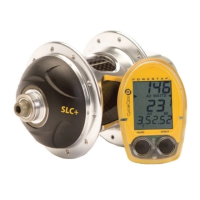
4) The PowerTap can be used as a cycle computer or heart rate monitor.
Press [SELECT] to toggle through mode options.
watts,mi,and ( ) = power meter mode
mi,and ( ) = cycle computer mode
( ) = heart rate monitor mode
Press [MODE] to save.
5) Press [SELECT] to toggle through auto start options.
mi,and data = allows trip time to count when wheel speed is registering.
Trip time stops 3 sec.after if speed is not registered.
( ),and data = allows trip time to count as long as a heart rate signal is
registered. This function is useful in the transition from cycling to running
and vice versa.
Press [MODE] to save.
29
PRO
4
mi
watts
PRO
4
mi
watts
data



 To Next Page