SW102 DISPLAY GUIDE
05
36
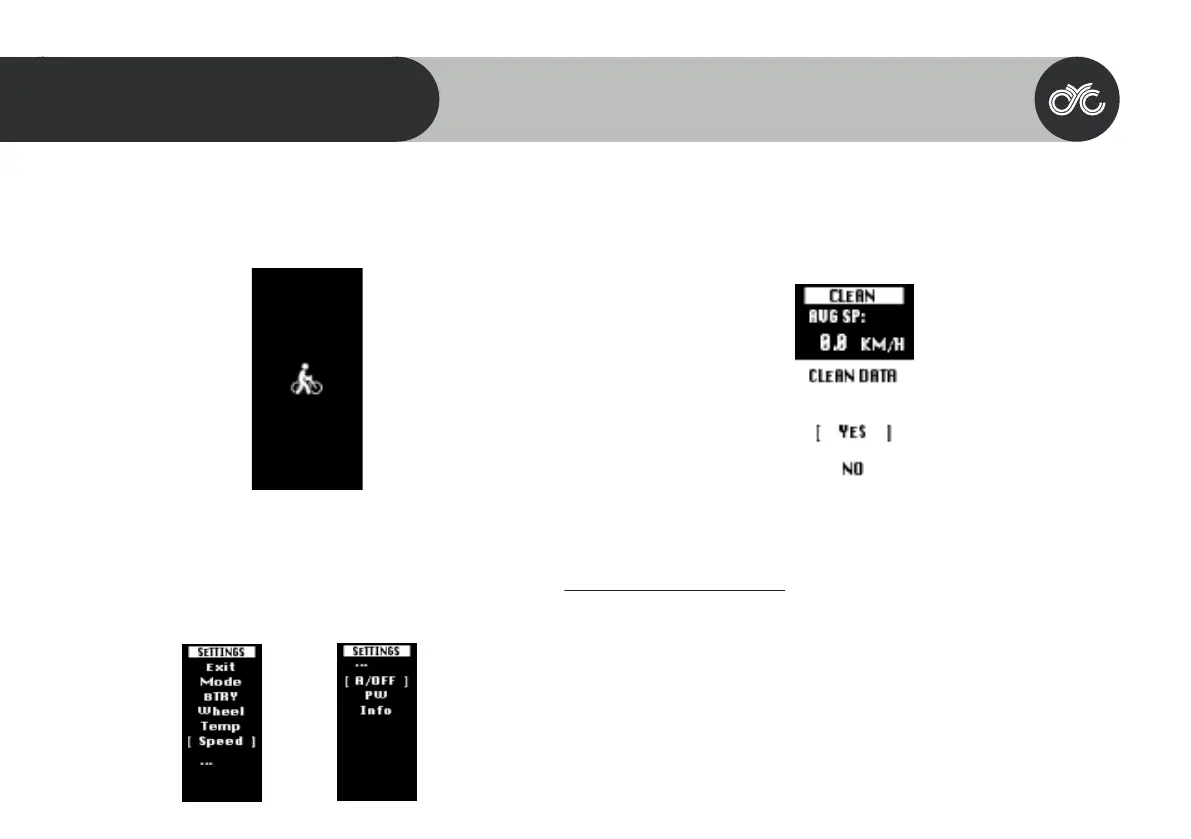
Walk Assist
Long press the DOWN button to activate walk assist. Note that it takes 3
seconds to activate & will deactivate immediately when the button is
released.
Settings
Long press the MENU button within 15 seconds of switching on the display
to enter the “Settings” page. Note that once the system has been activated
for longer than 15 seconds, you will need to restart the motor system to
Clean Trip Data
Wait 15 seconds after starting up the motor system to be able to enter the “Clean Data” menu.
Long press the MENU button to clear the previous trip data. Please note that the trip data does
not automatically clear once you restart the motor system. This is a manual process.
Error Codes
In certain circumstances, an error code may appear on your display. Contact
techinical_support@cycmotor.com for assistance. *TBC



 To Next Page