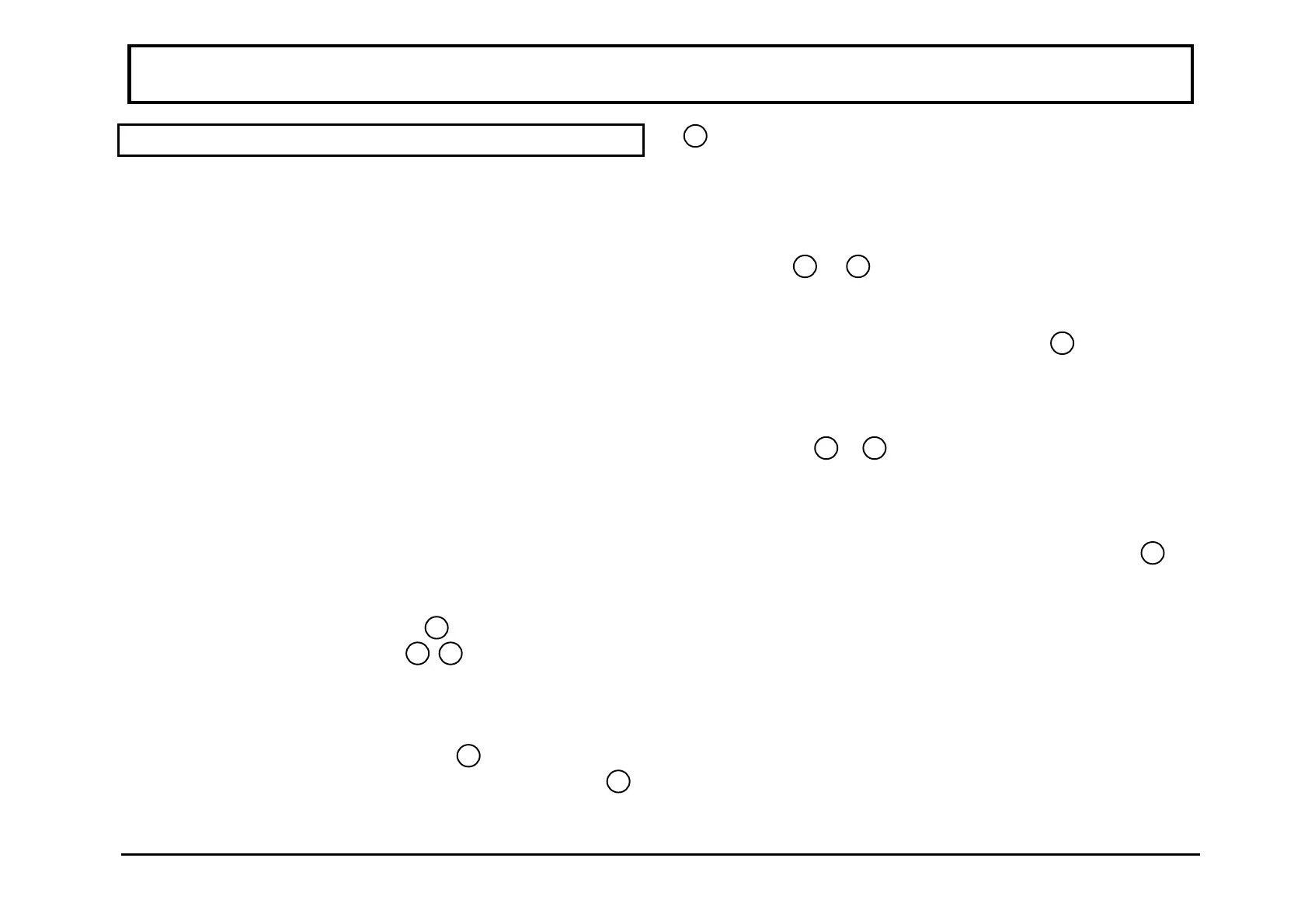
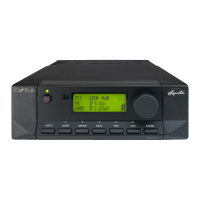
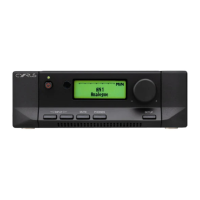
Cyrus Pre REMOTE CONTROL UNIT
13
English
REMOTE OPERATION OF THE
Cyrus Pre
The Cyrus System Commander, supplied to complement
the Cyrus Pre, provides full unified control of a complete
system of Cyrus components. The following section
summarises the control functions which are available
specifically to control the Cyrus Pre.
Activating the
System Commander
For convenience, the System Commander is supplied with
batteries fitted ready for use. To prevent premature
discharge of the batteries a small label strip is fitted into
the battery compartment. To activate the System
Commander, pull the label strip gently in the direction of
the arrow. It is
not
necessary to remove the battery cover
for this.
Setting the
System Commander
for stereo operation
with the
Cyrus Pre
First press the FUNCTION key
29
briefly. The current
SYSTEM SELECT Indicator
8
-
12
will glow. If the
indicator glows Red, then the System Commander is
already set to send Stereo level control commands and no
further action is necessary. If the indicator glows Green,
press and hold the FUNCTION key
29
. Release the key
when the colour of the SYSTEM SELECT Indicator
8
-
12
changes to Red. Stereo level control commands will
now be sent to the Cyrus Pre.
Power control
Your Cyrus Pre may be turned on by selecting any Input
Select Key
13
-
17
on the Cyrus System Commander.
This action will also select the desired program source. To
switch the power off from the remote position, press the
"POWER OFF" RED Key on the handset
2
.
Input selection
The input source may be changed by selecting any INPUT
SELECT Key
13
-
17
. This action will also switch on a
Cyrus tuner or CD player as appropriate.
Tape selection
To select tape monitor, press the Tape key TP
18
. A
second press will cancel tape monitor.



 To Next Page