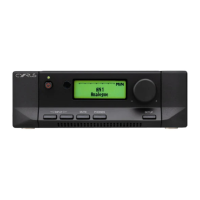
REMOTE CONTROL UNIT Cyrus Pre
English
12
Volume Control
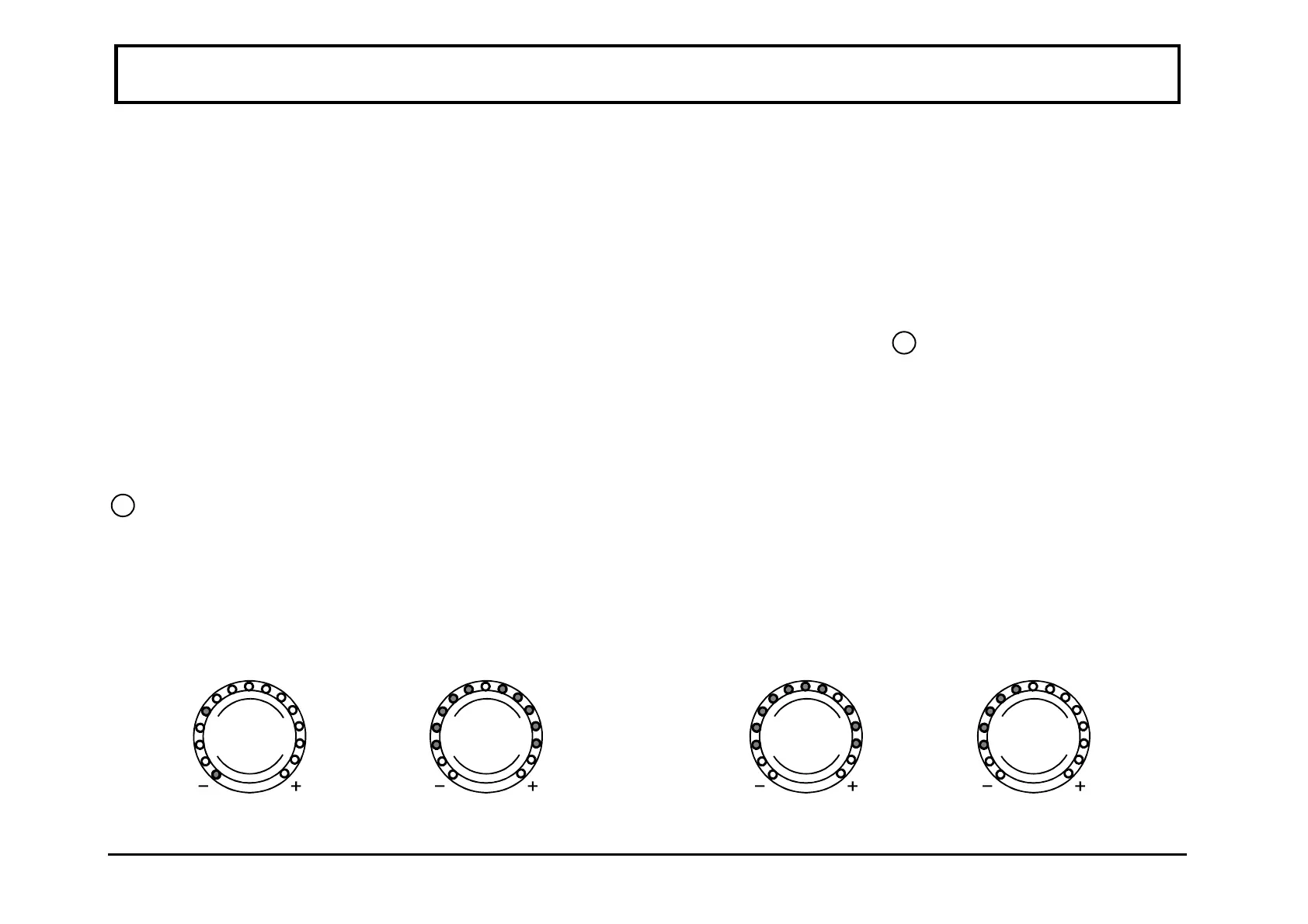
In normal mode the rotary knob of the Cyrus Pre controls
the volume from its maximum level down to the
minimum. The light ring around the knob is calibrated to
give the correct loudness scale to the changes in the
volume level. When the volume is set to the minimum
level the first L.E.D. indicator on the light ring will be
RED. The currently set volume is preserved when the unit
is put into standby mode. Should the level be set
abnormally high when standby is selected, this will be
automatically adjusted down to a safer level on switch-on.
Balance Control
Your Cyrus Pre is equipped with a Balance control key
3
which is used to change the operation mode of the
rotary knob to that of Left - Right Balance. When selected,
the light ring will change function to work in "reverse -
video" format with the unlit section indicating the position
of L-R balance.
When in this mode, you can control the L-R balance by up
to +/-4dB as well as switching one channel off completely
when the control is turned to an extreme. The balance
mode is automatically reset after 5 seconds of inactivity of
the rotary knob. It can also be reset by pressing the
balance key again.
Mute
Pressing the Mute Key
13
will fade out the volume to
minimum level without disturbing the existing setting.
When muted the minimum level indicator light, RED will
light as well as the existing GREEN light to show that the
output is muted. Changing the volume knob or pressing
the Mute key will reset the mute, fading in the original
volume setting.
Channel Balance
Normal
Normal Listening Level
- Mute
Channel Balance
R - CH + 2dB
Channel Balance
L - Ch Only



 To Next Page