INSTALLATION Cyrus Pre
English
6
CONNECTING SIGNAL SOURCES
Connecting a Turntable
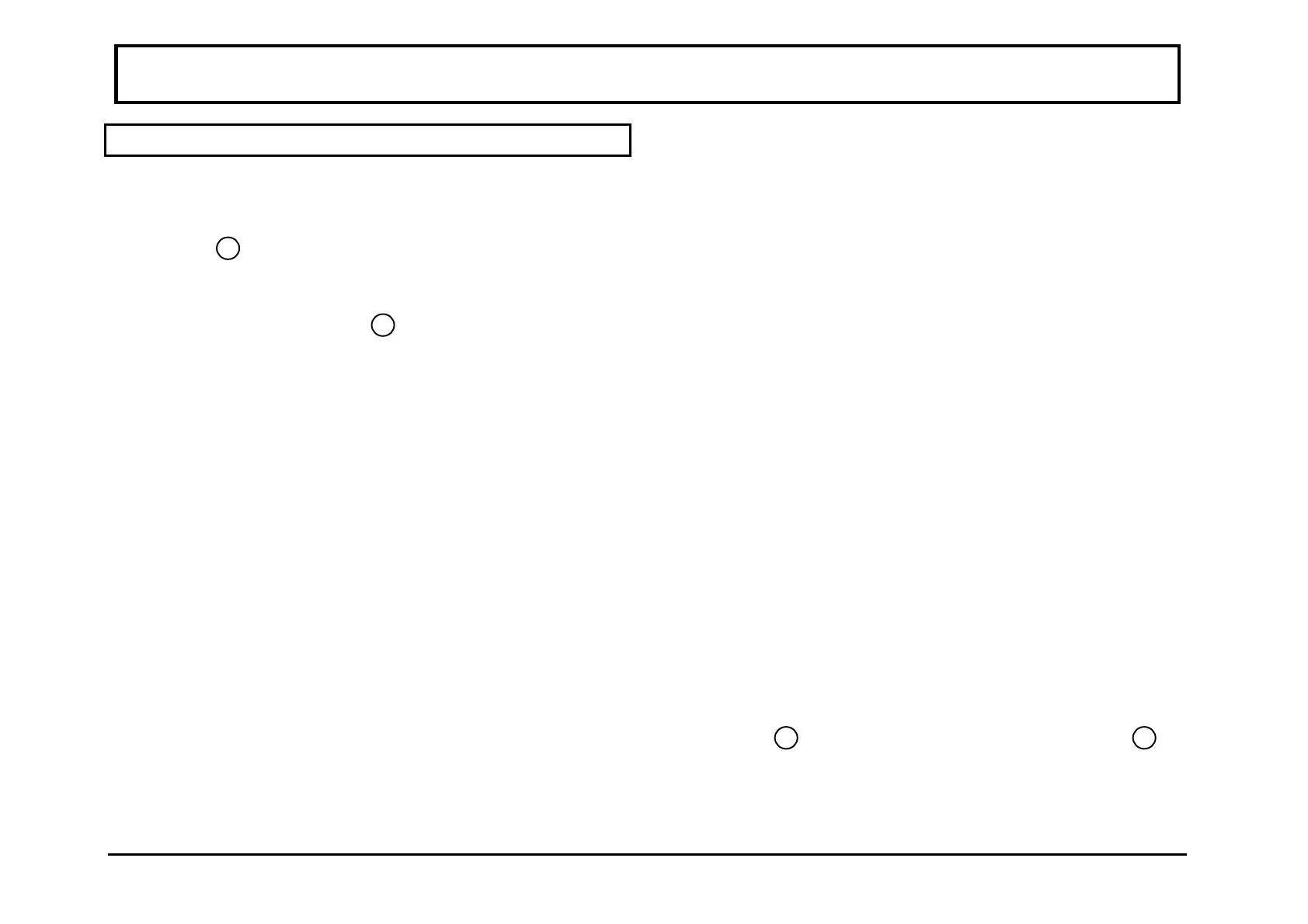
Connect the phono cable from the turntable to the phono
input - PH
12
. Be sure to follow colour coding of the
plugs to keep left and right channels correctly ordered. If
the turntable has a ground wire fitted, connect this to the
Turntable ground connection
13
of the pre-amplifier.
Pickup cartridge matching- Moving magnet
The phono pre-amplifier fitted to the Cyrus Pre is suitable
as supplied for use with all pick-up cartridges of either
moving magnet (MM) or high output moving coil (MC)
design.
Moving coil cartridges
Vinyl record enthusiasts owning a low output Moving
Coil (MC) cartridge may purchase a replacement phono
stage to match correctly the requirements of an MC
cartridge. Your Cyrus dealer will supply and fit this
conversion if required. The MC phono stage may also be
optimised for pickup cartridge loading. Refer to the
Additional Information section on page 20 for more
detailed information about pickup cartridge matching.
Moving coil cartridges with an external step-up device
Some moving coil cartridges are supplied with an external
step-up transformer or pre-amplifier. In this case the
Cyrus Pre should be set for use with a Moving Magnet
cartridge (as supplied).
Choice of a CD player connection system
Two connection systems are provided on the Cyrus Pre
for use with CD players. Most conventional CD players
will connect to the RCA phono jacks. Some CD players
and D/A converters are also provided with fully balanced
XLR outputs which can be used with the XLR inputs of
the Cyrus Pre. There are certain technical advantages in
using a fully balanced connection system, but for most
installations the sonic performance will depend greatly on
the choice of a quality interconnect rather than the
connection system which is used. For most installations,
using RCA phono connections with a high quality
interconnect will yield the best result.
Connecting a CD player with RCA phono cables
Connect a phono cable interconnect from the CD player
output sockets to the left and right 'RCA' CD inputs of the
Cyrus Pre
9
. Set the CD input selector switch
8
to
RCA.



 To Next Page