27D-Link DAP-1955 User Manual
Section 3 - Conguration
Home - Connected to a Wi-Fi Mesh Router
If the DAP-1955 is connected to a Wi-Fi Mesh supported router, login to the DAP-1955’s homescreen by typing in your router’s
Admin Password. The DAP-1955’s home screen will only show the rmware information for the DAP-1955. Other functions for the
DAP-1955 can be congured from the main router’s conguration page. Please make sure that the Wi-Fi Mesh feature is enabled in
your compatible router’s wireless settings.
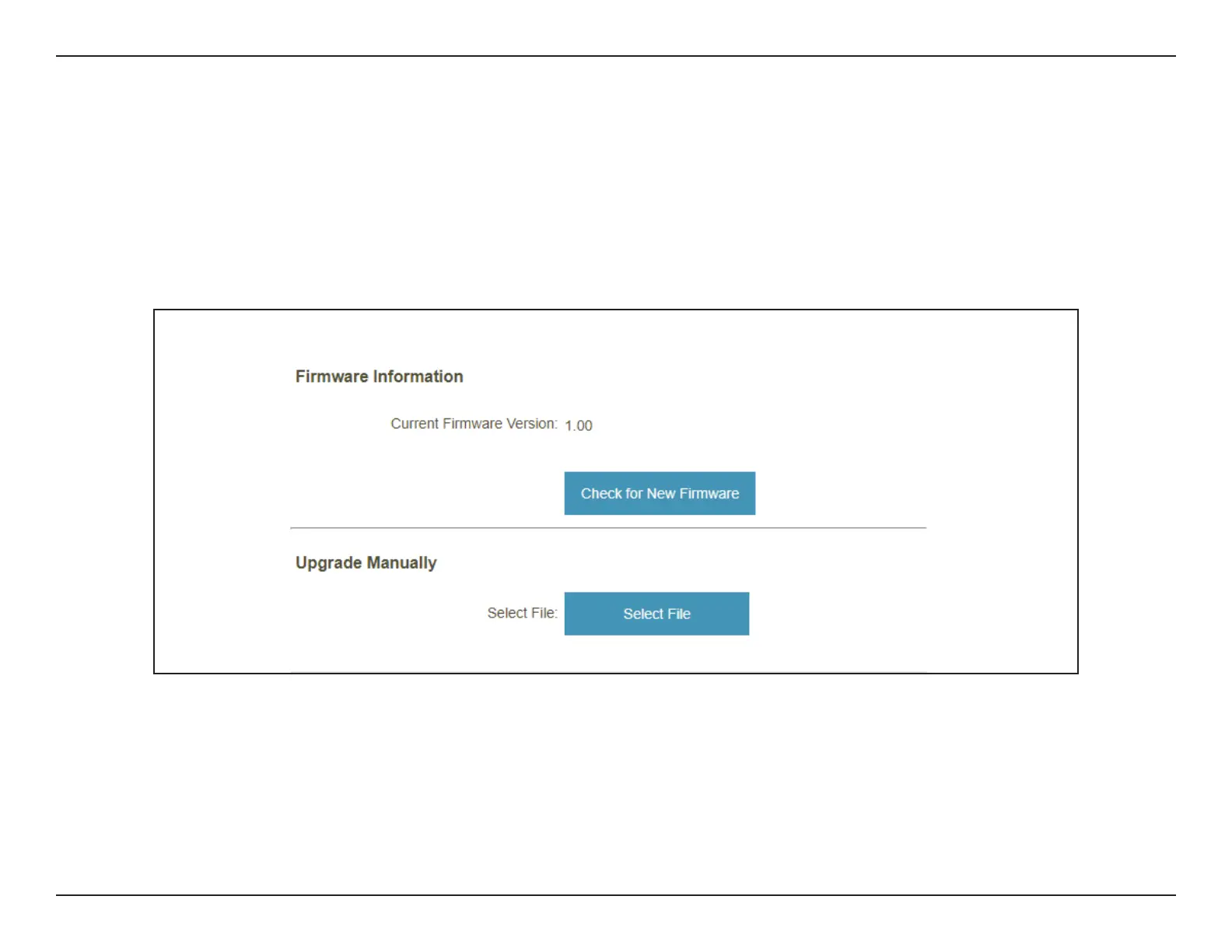
Firmware Information The current rmware version of your DAP-1955. Click Check for New Firmware to see if your DAP-1955 is up to date.
Upgrade Manually If you wish to upgrade manually, rst download the rmware le you wish to upgrade to. Next, click the Select File button
to browse to the le and click Upload to install the new rmware.



 To Next Page