5D-Link DAP-1955 User Manual
Section 1 - Product Overview
Hardware Overview
Front
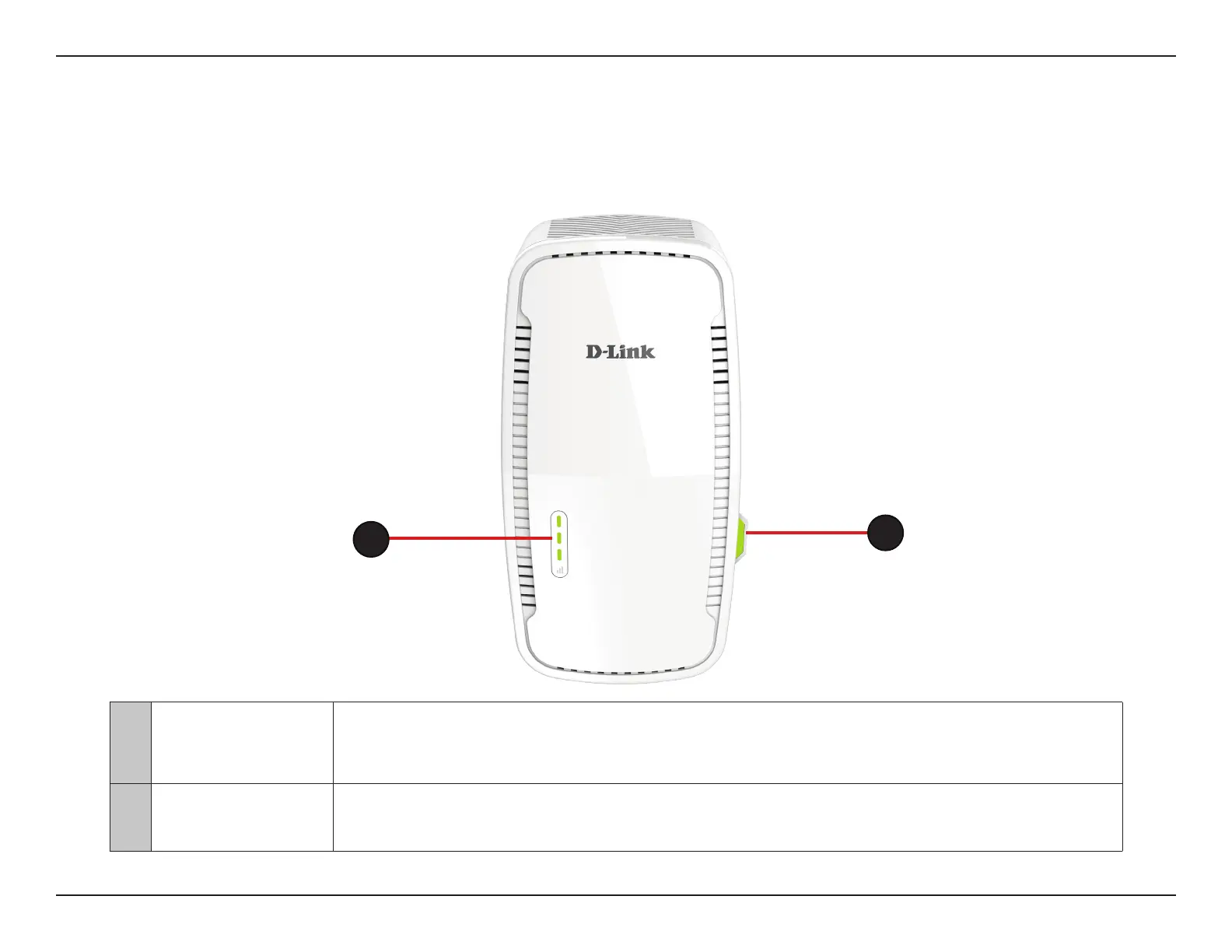
1
Status LED/WPS
Button
This LED indicates the current status of the DAP-1955, as detailed on the next page and functions as a
WPS button. Press to establish a connection with another WPS compatible device.
2
Signal Indicator
LED
The more lit green bars on the Signal Indicator LED, the better the wireless signal to the host network. A
single solid orange LED indicates a weak Wi-Fi signal.
2
1



 To Next Page