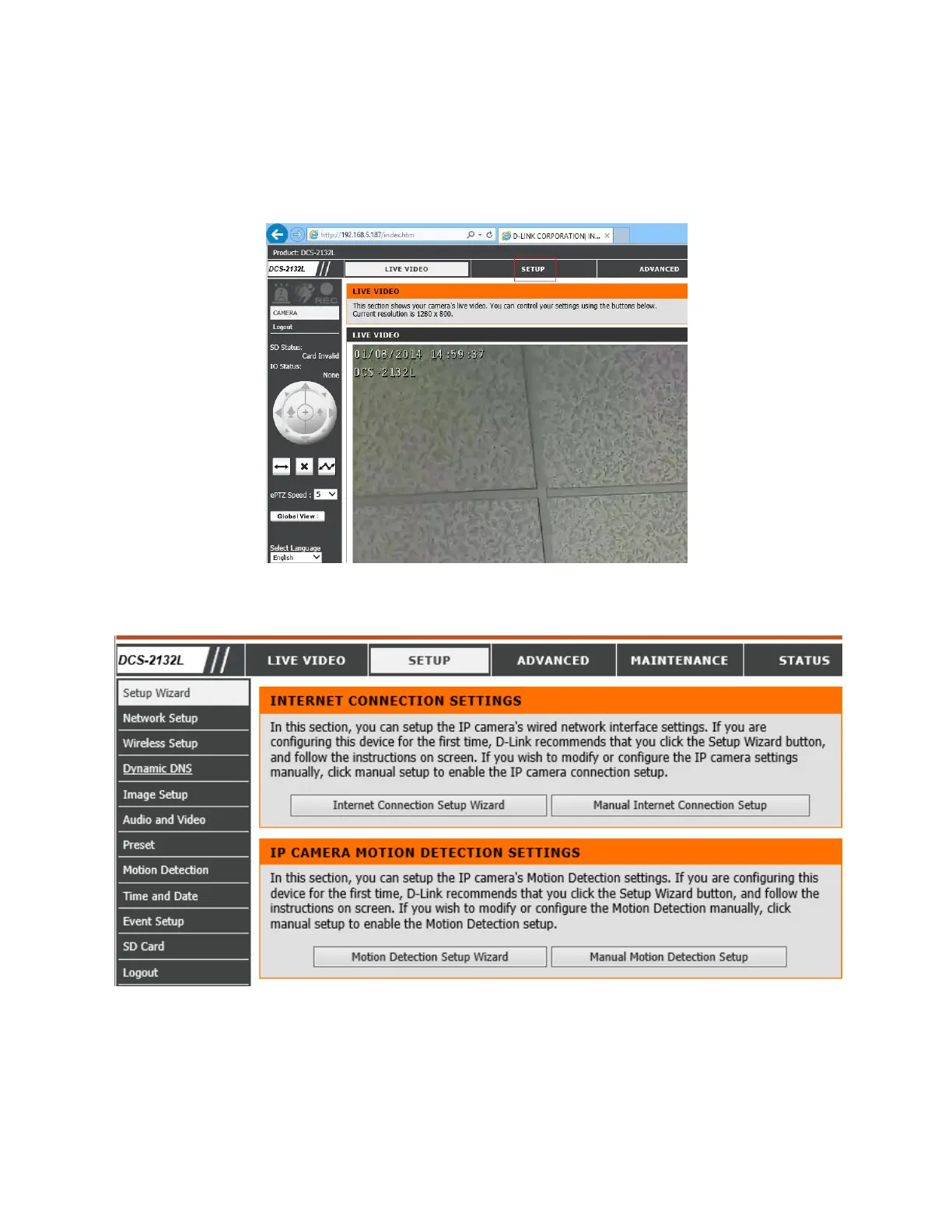
Use the username: admin and the password you created in the Installation Wizard. If you did not
create a password, the default password is blank (It is recommended that you change the
password). After logging in, you will see the Live Video screen.
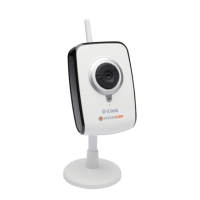
Once you are in your configuration pages, click Setup, and you will see the Setup Main screen:
With CameraFTP’s service, most regular setup steps are not required. (You can feel free to check
these steps, e.g. click "Time and Date" to set the camera time.)


 To Next Page