46D-Link DCS-5222LB1 User Manual
Section 4: Conguration
Event Setup
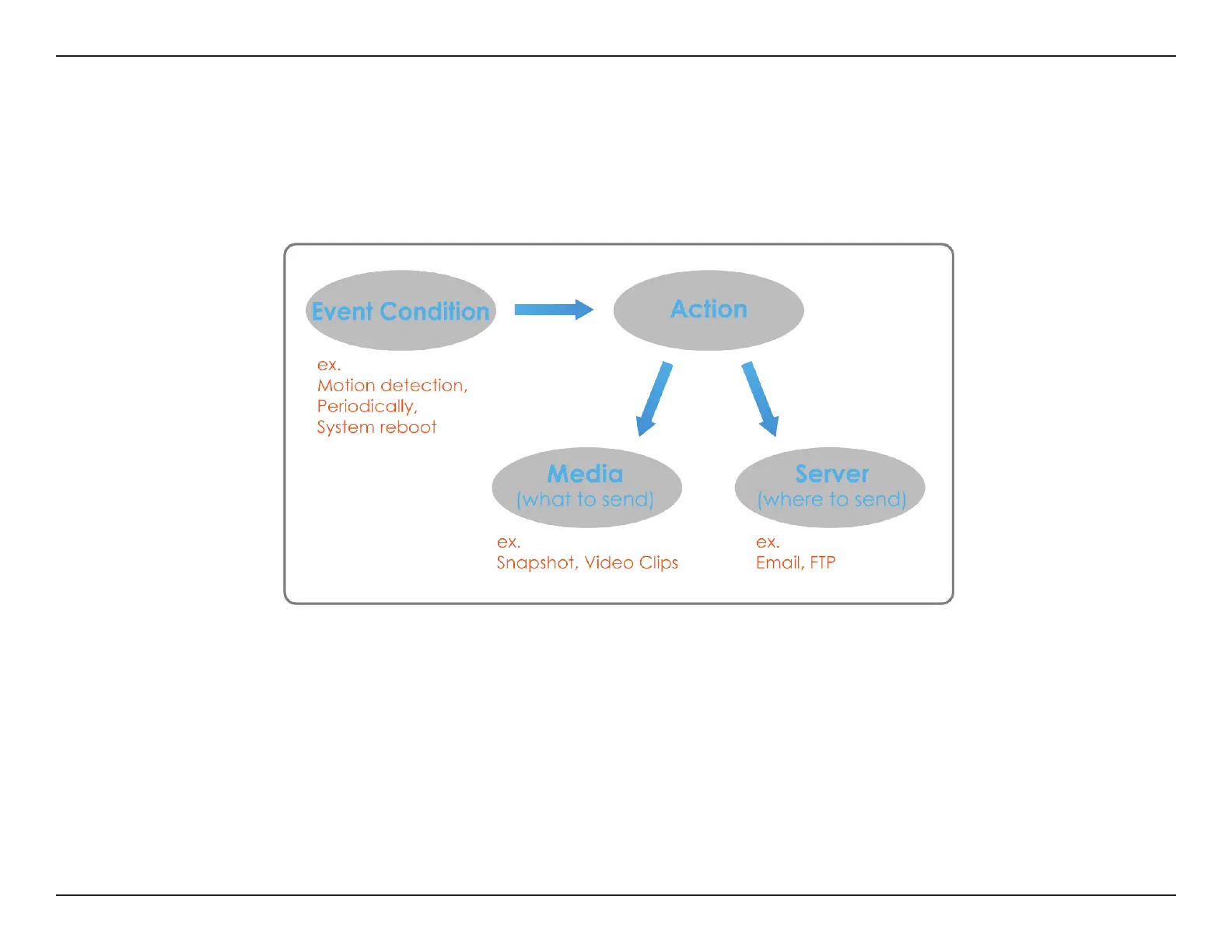
In a typical application, when motion is detected, the DCS-5222LB1 sends images to a FTP server or via e-mail as notications. As shown in the
illustration below, an event can be triggered by many sources, such as motion detection or external digital input devices. When an event is
triggered, a specied action will be performed. You can congure the network camera to send snapshots or videos to your e-mail address or FTP
site.
To start plotting an event, it is suggested to congure server and media columns rst so that the network camera will know what action shall be
performed when a trigger is activated.


 To Next Page