94
DCS-6620 User’s Manual
D-Link Systems, Inc.
Using IP surveillance Software
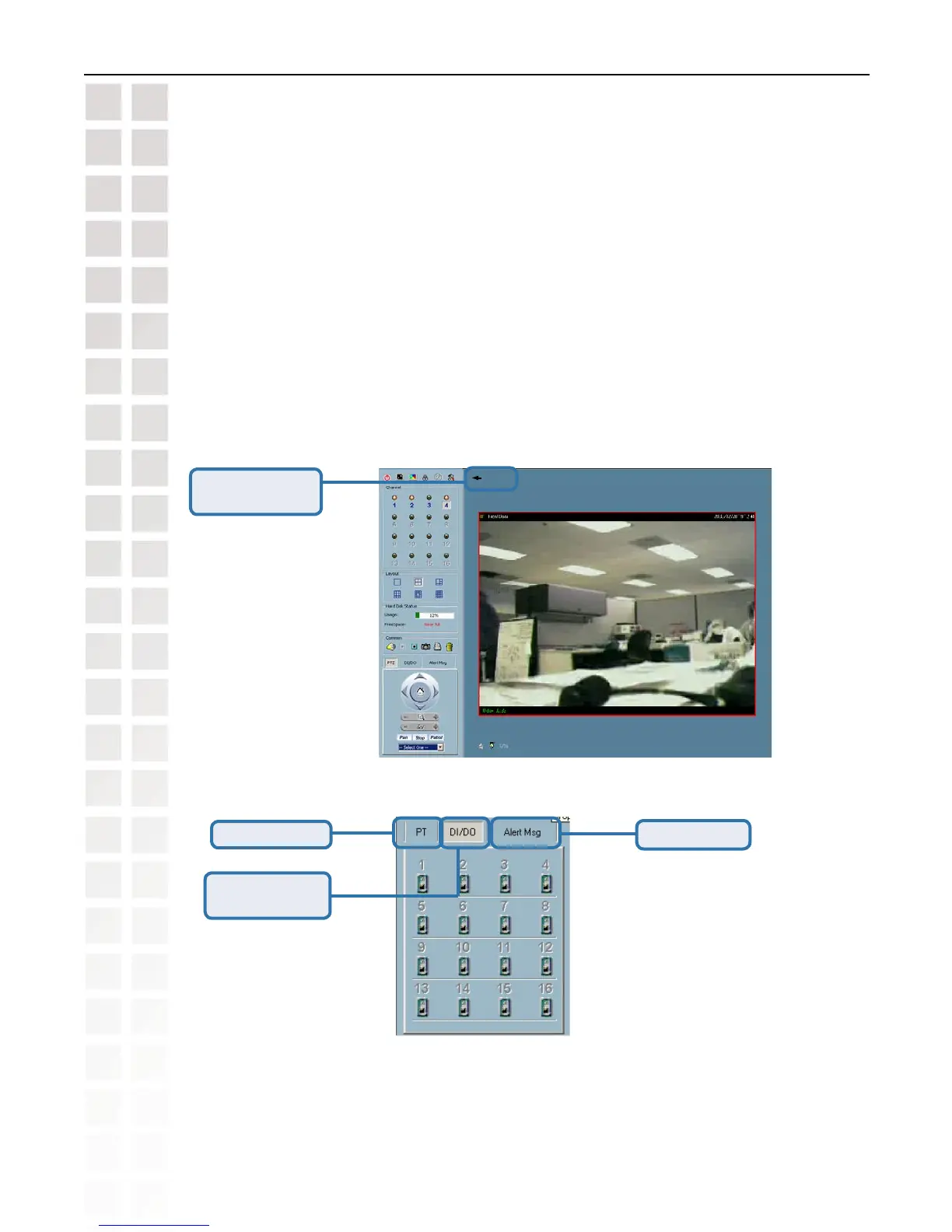
Back
Back to previous
layout.
Monitor Program (continued)
Input/Output Control Tools
Digital Input/
Digital Output
Alert Message
Pan/Tilt control
To view an individual camera from the multi-camera layout, double-click on the desired display
window. You will see that the size of the display window is the same as the one-channel layout.
Clicking the “Back” button in the upper-left corner of the video area will switch to the previous
selected multi-camera layout.
The position that each video channel is in for every layout will be saved for the next time the
layout is selected.















 To Next Page