10D-Link DCS-8000LH User Manual
Section 2 - Installation
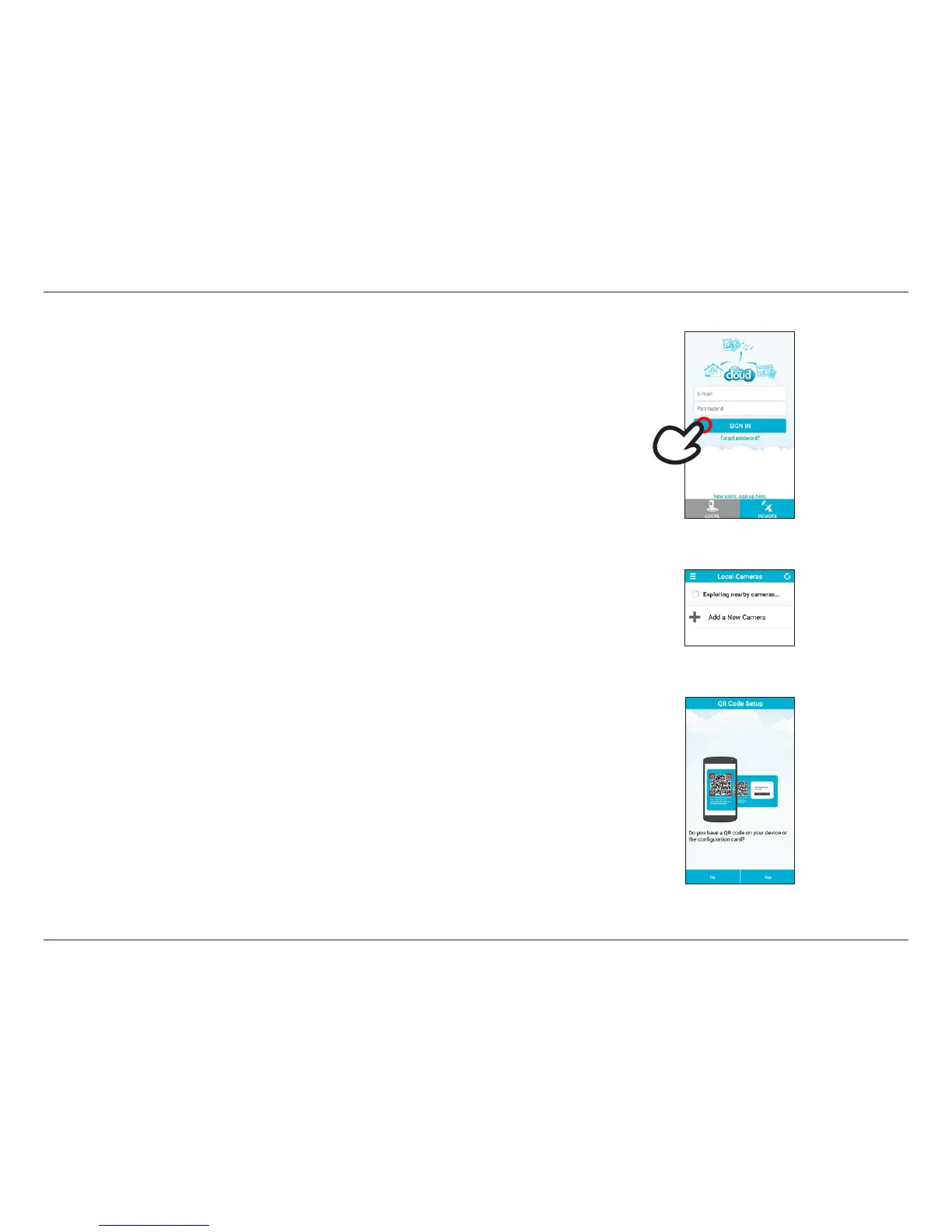
Step 2:
Tap Add a New Camera on the next screen.
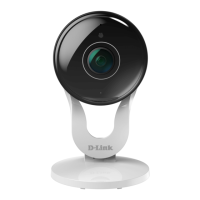
To install your DCS-8000LH, follow the instructions below:
Step 1:
New users: Tap New users, sign up here to create an account.
Existing users: Sign in to your mydlink account.
Step 3:
When asked to scan the QR code, tap Yes to use the code found on the bottom of the DCS-8000LH.



 To Next Page
 Loading...