13D-Link DCS-8000LH User Manual
Section 2 - Installation
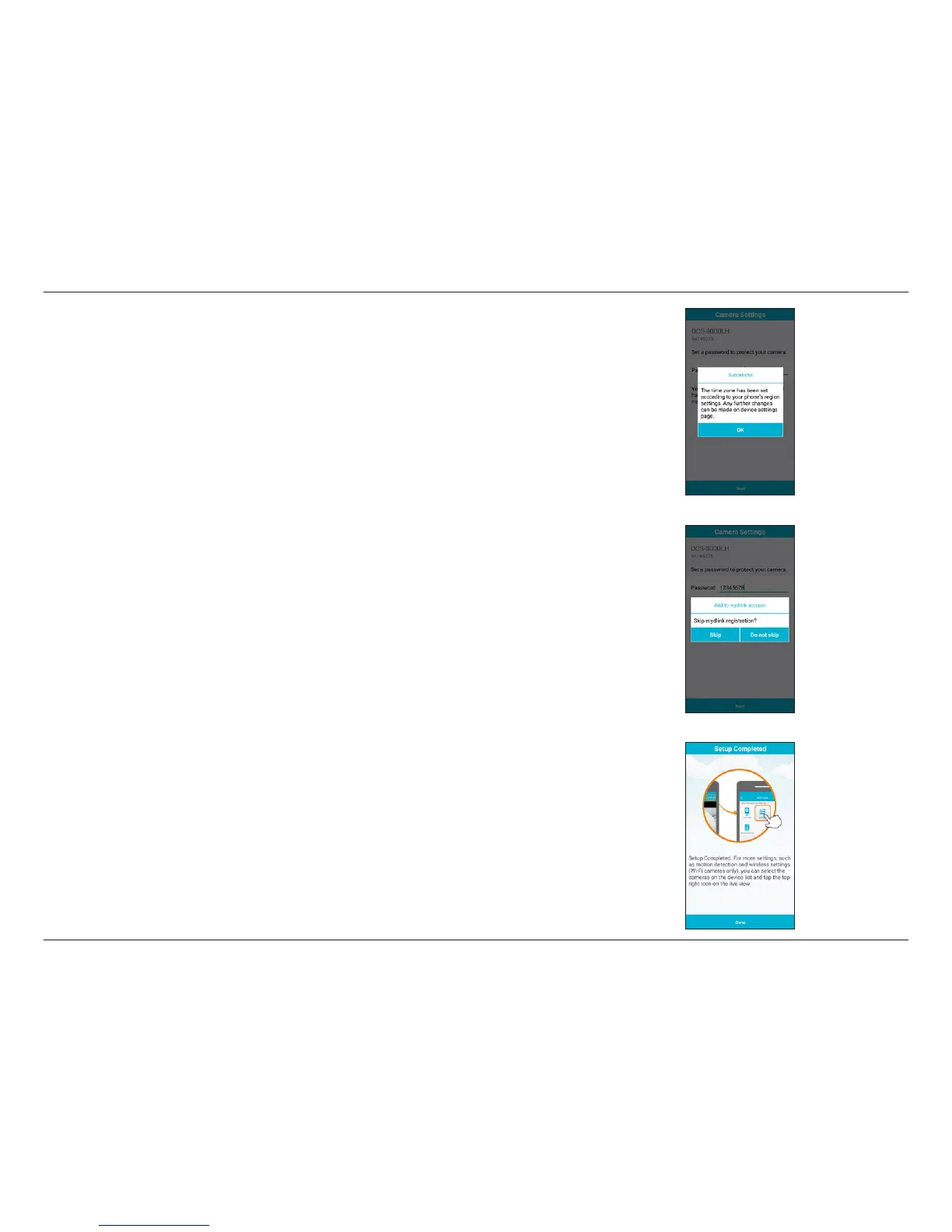
Step 12:
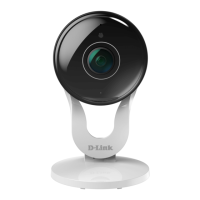
Your DCS-8000LH should now be connected to your network and you have completed setup. Tap
Done to nish.
Step 10:
The time zone for your DCS-8000LH will be automatically set to that of your mobile device. Tap OK.
Step 11:
If you are logged in with a mydlink account, you will be asked to add this device under that account.
If you do not have a mydlink account, you can choose to register for one or to skip this step.



 To Next Page
 Loading...