DES-3550 Fast Ethernet Layer 2 Switch
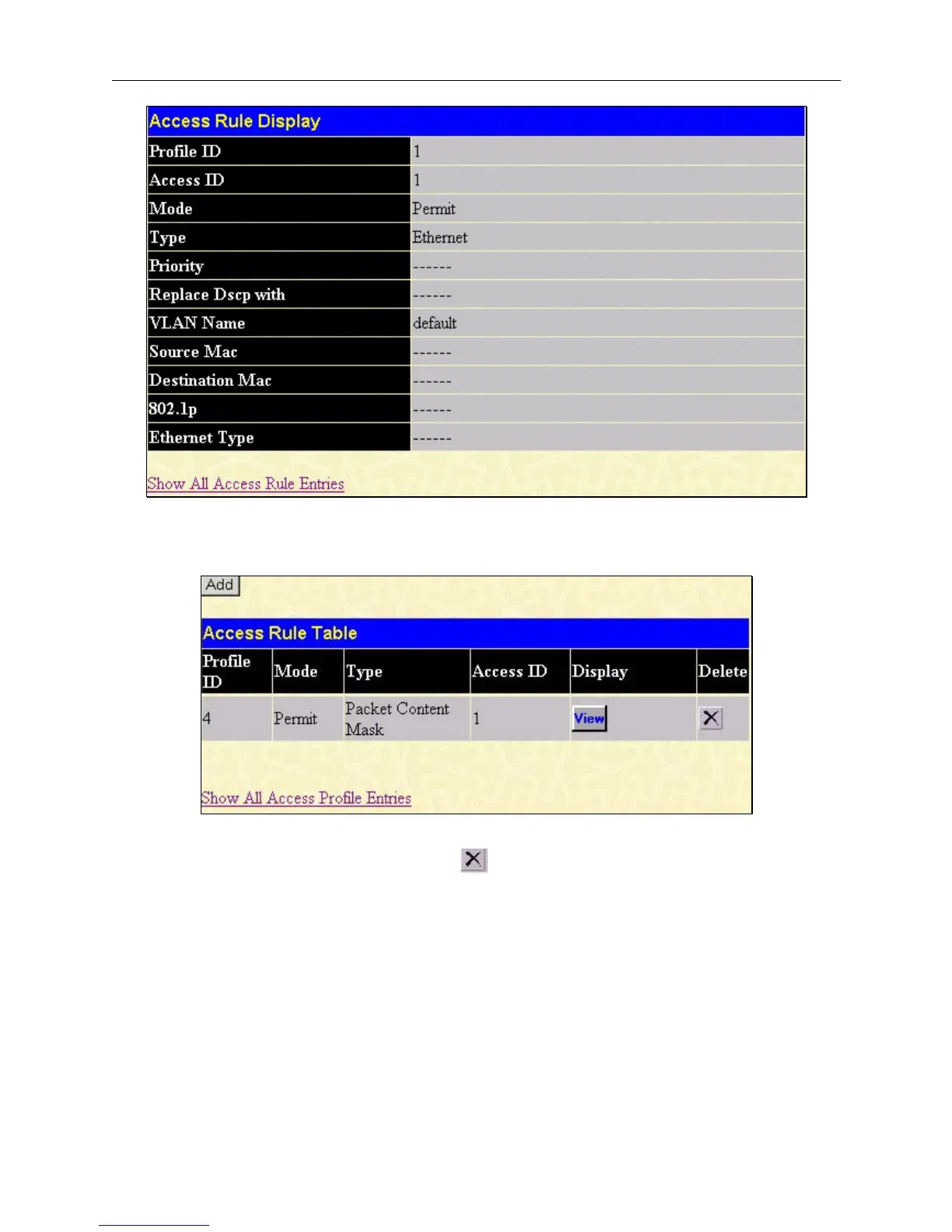
Figure 6- 61. Access Rule Display window (Ethernet)
To configure the Access Rule for Packet Content Mask, open the Access Profile Table and click Modify for a Packet
Content Mask entry. This will open the following screen:
Figure 6- 62. Access Rule Table (Packet Content Mask)
To remove a previously created rule, select it and click the
button. To add a new Access Rule, click the Add button:
93













 To Next Page