DES-3550 Fast Ethernet Layer 2 Switch
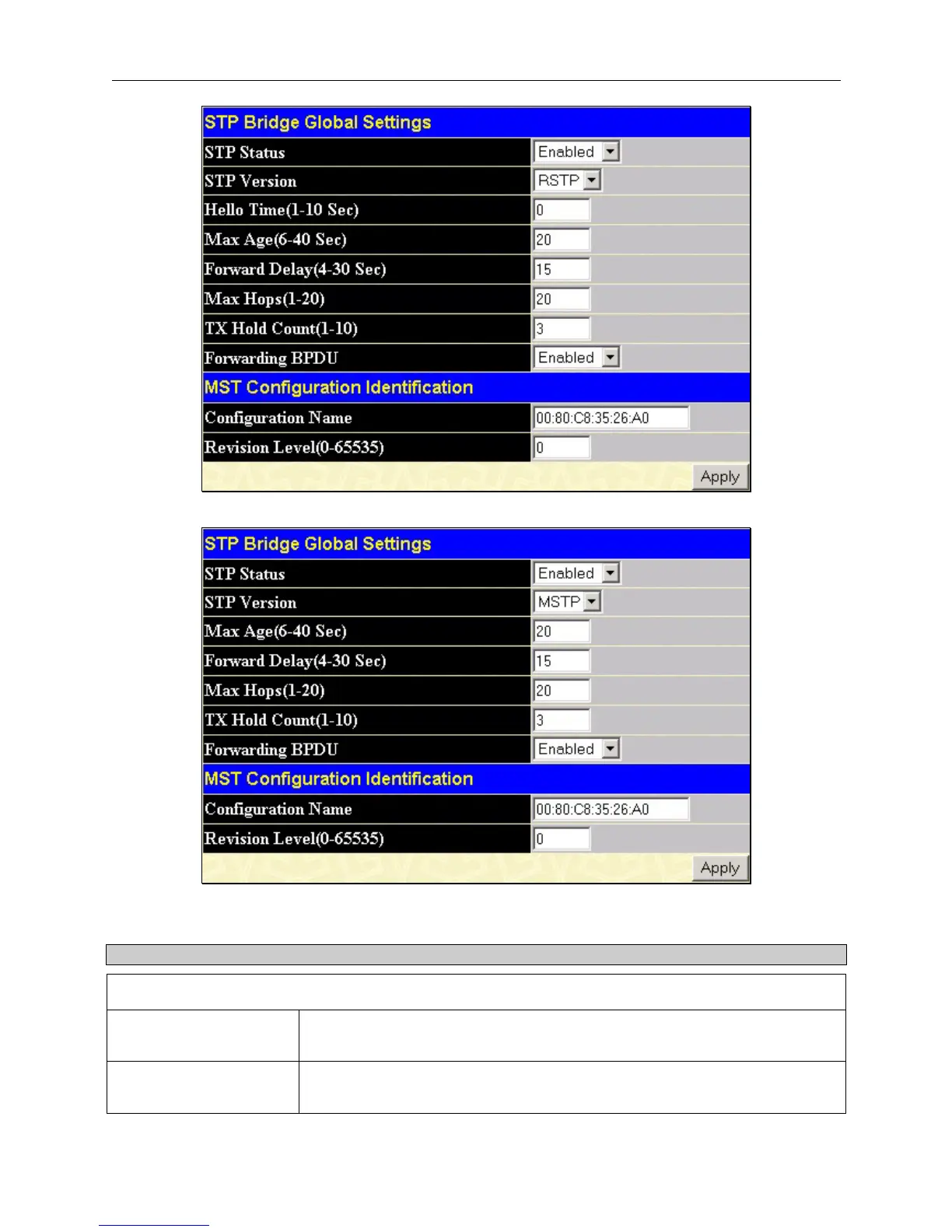
Figure 6- 19. STP Bridge Global Settings - RSTP (default)
Figure 6- 20. STP Bridge Global Settings
The following parameters can be set:
Parameter Description
MST Configuration Identification
STP Status
Use the pull-down menu to enable or disable STP globally on the Switch. The
default is Disabled.
STP Version
Use the pull-down menu to choose the desired version of STP to be implemented
on the Switch. There are three choices:
45













 To Next Page