97D-Link DHP-1320 User Manual
Section 3 - Conguration
Statistics
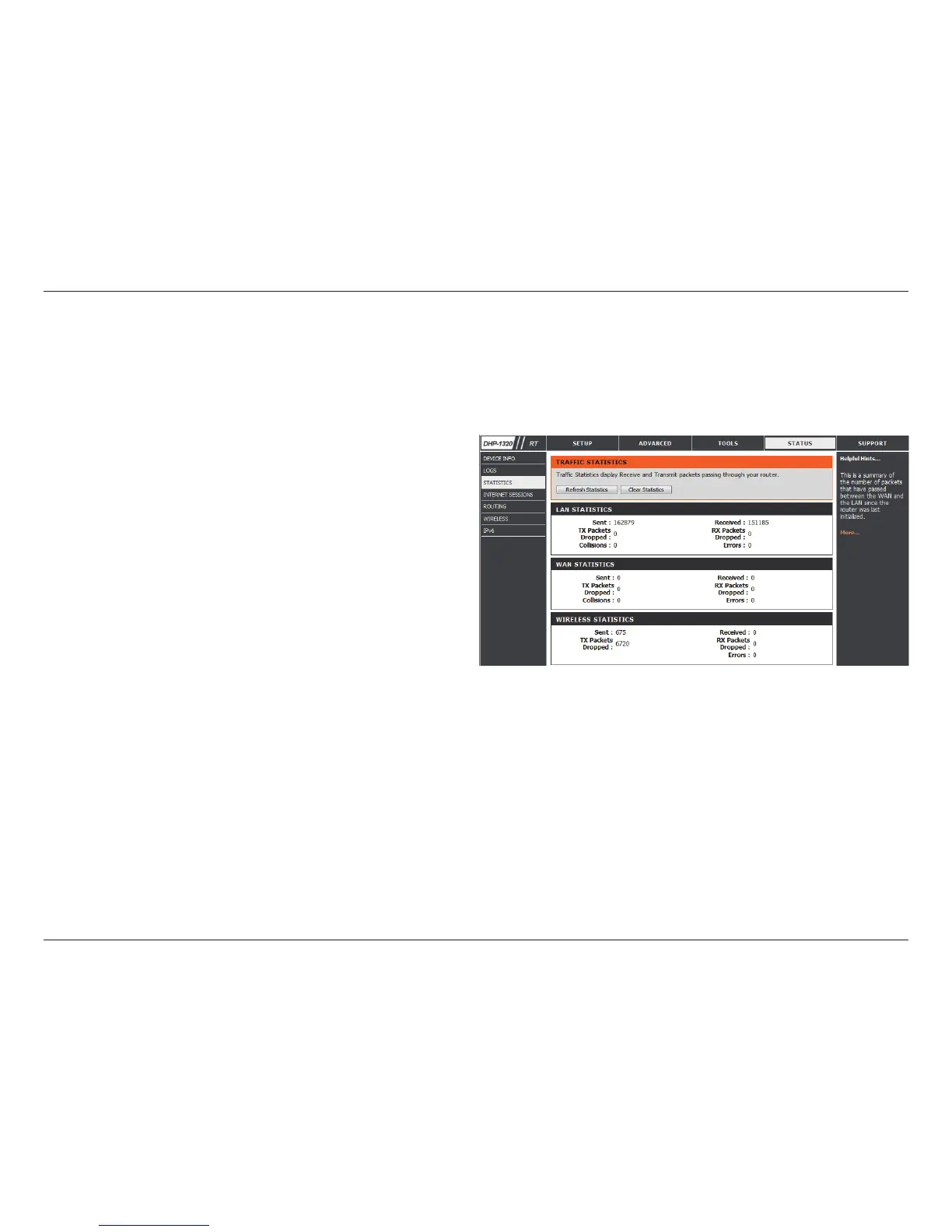
The screen below displays the Trac Statistics. Here you can view the amount of packets that pass through the DHP-1320 on both the WAN, LAN ports
and the 802.11n/g (2.4GHz) wireless band. The trac counter will reset if the device is rebooted.
Refresh:
Reset:
Click the Refresh button to refresh the Router’s trac
statistics.
Click the Reset button to reset the Router’s trac
statistics.



 To Next Page