17D-Link DHP-1320 User Manual
Section 1 - Product Overview
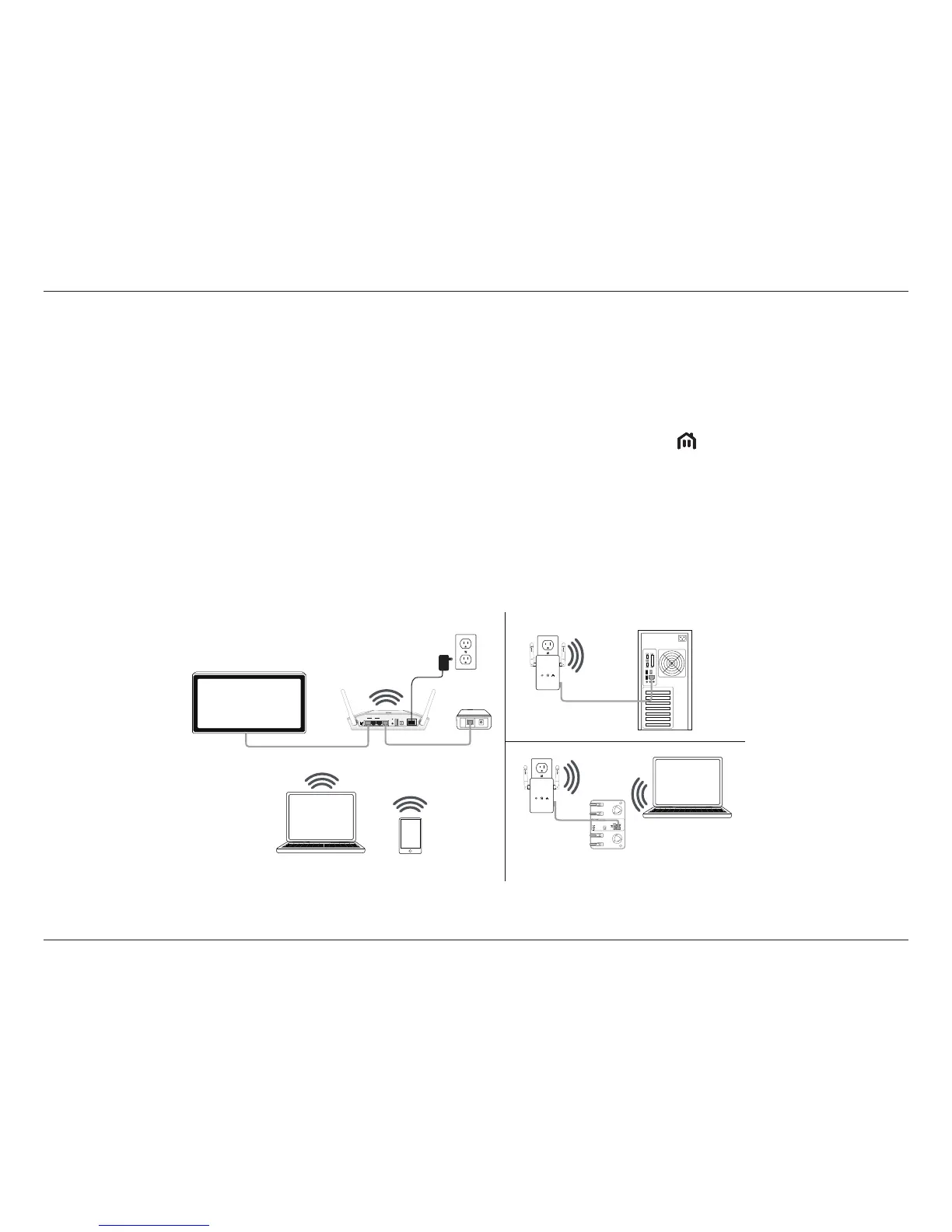
Conguring a PowerLine Network
Connecting two PowerLine AV devices for the rst time
To initially connect the DHP-1320 AV to another PowerLine AV device and create a network:
1. Plug the DHP-1320 into a power outlet. Press the ENY button for 1 to 3 seconds. The PowerLine AV LED
should start to blink.
2. Plug the other PowerLine device (e.g. the DHP-W306AV) into a power outlet. Press the ENY button on this PowerLine device for 1 to 3 seconds.
3. Wait for both devices to reboot (all LEDs will turn o and on). When the PowerLine AV LEDs on both devices are steadily lit, the two devices will
be networked together.



 To Next Page