18D-Link DHP-1320 User Manual
Section 1 - Product Overview
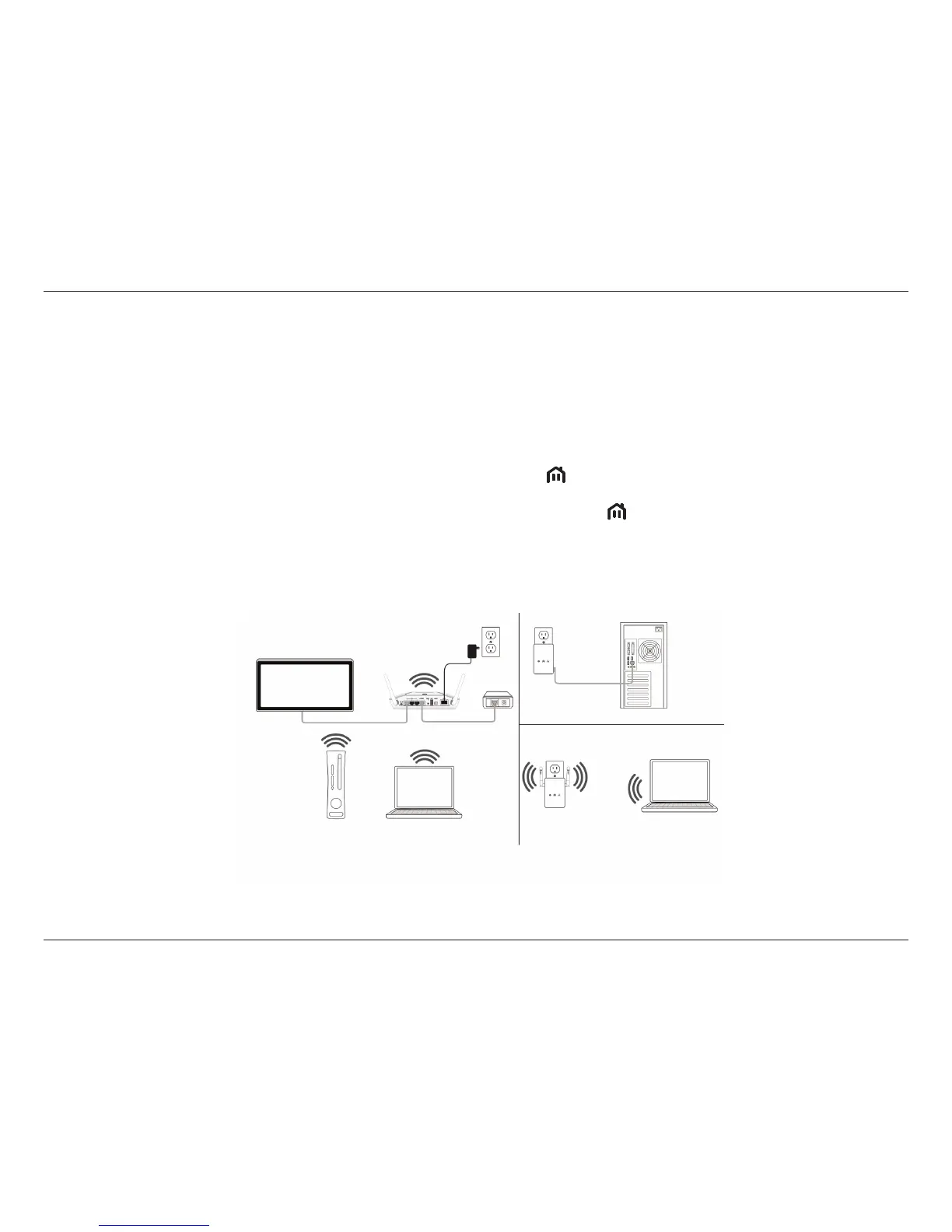
Connecting a PowerLine AV device to an existing PowerLine network
To add a DHP-1320 if you already have an existing network with 2 more PowerLine devices:
1. Press the ENY button on the DHP-1320 for more than 10 seconds to make sure it is not connected to any other PowerLine network.
2. Press the ENY button of any device already in your PowerLine network (e.g. the DHP-306AV) for 1 to 3 seconds. The ENY LED should start to blink.
3. Press the ENY button on the DHP-1320 for 1 to 3 seconds. The PowerLine AV LED
should start to blink.
4. Wait for the DHP-1320 to reboot (all LEDs will tun o and on). When the PowerLine AV LED
on all devices are steadily lit, the DHP-1320 will
be connected to the existing network.
Room B
Room A
Room C
DHP-W306AV
DHP-1320
DHP-306AV



 To Next Page