79D-Link DHP-1320 User Manual
Section 3 - Conguration
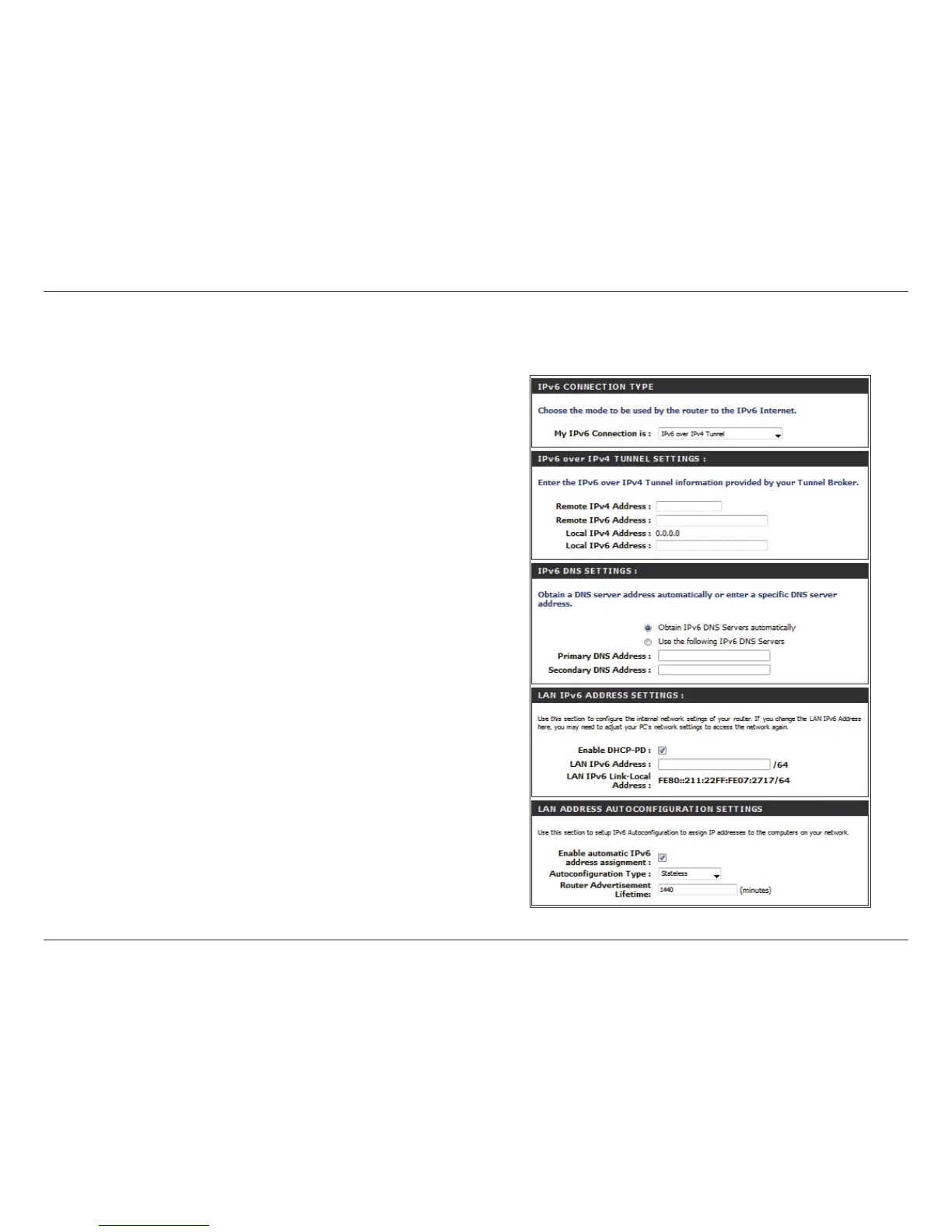
IPv6 over IPv4 Tunnel
Select IPv6 over IPv4 Tunnel from the drop-down
menu.
Enter the IPv6 settings supplied by your Tunnel Broker.
Obtain a DNS server address automatically or enter a
specic DNS server address.
Enter the primary and secondary DNS server addresses.
Enter the LAN (local) IPv6 address for the router.
My IPv6
Connection:
IPv6 over IPv4
Tunnel Settings:
IPv6 DNS Settings:
Primary/Secondary
DNS Address:
LAN IPv6 Address:
IPv6



 To Next Page