14D-Link DHP-300 User Manual
Section 3 - Configuration
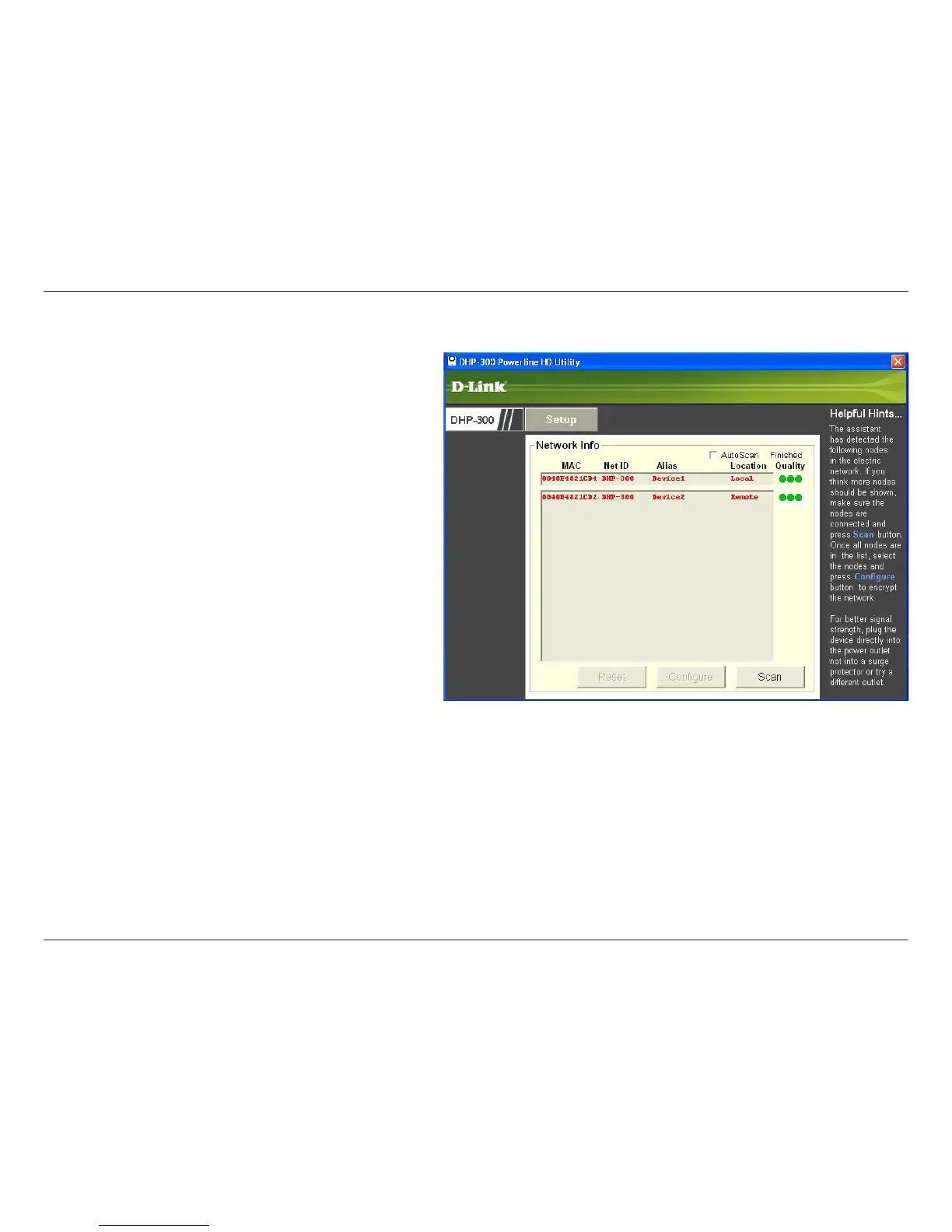
Red text on the MAC, Net ID, Alias and Location columns mean that the powerline network is encrypted with the default
encryption key (DHP-300). Follow the steps below to encrypt the network with a non-default encryption key:
• Double-click on the nodes.
• Once all the nodes you want to encrypt with a
non-default encryption key, click the Configure
button.















 To Next Page