17D-Link DHP-300 User Manual
Section 3 - Configuration
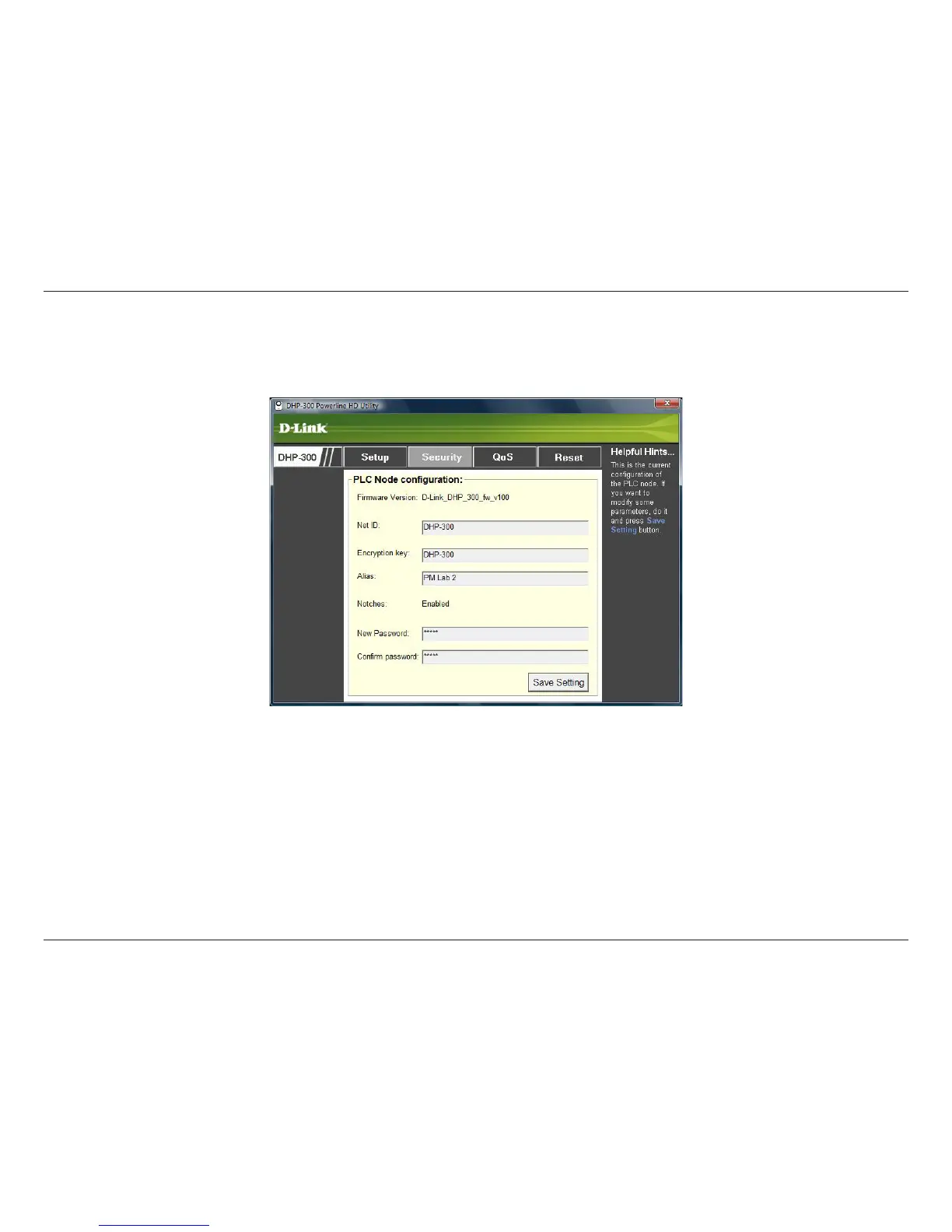
This section shows the security configuration of the DHP-300. You can modify any of the parameters and click Save
Setting to save your configuration.
Security
Net ID: Powerline Network Name. Default is DHP-300 (Max 10 characters, 0-9, A-Z, case sensitive).
Encryption key: Powerline Network Key. Default is DHP-300 (Max 24 characters, 0-9, A-Z, case sensitive).
Alias: Device Name. Default is Device 1, Device 2 etc (Max 16 characters, 0-9, A-Z, case sensitive) ie. Living room,
Bedroom, etc.
Notches: Enabled by default to notch HAM radio bands.
Password: Utility login password. (Max 16 characters, 0-9, A-Z, case sensitive).















 To Next Page