15D-Link DHP-300 User Manual
Section 3 - Configuration
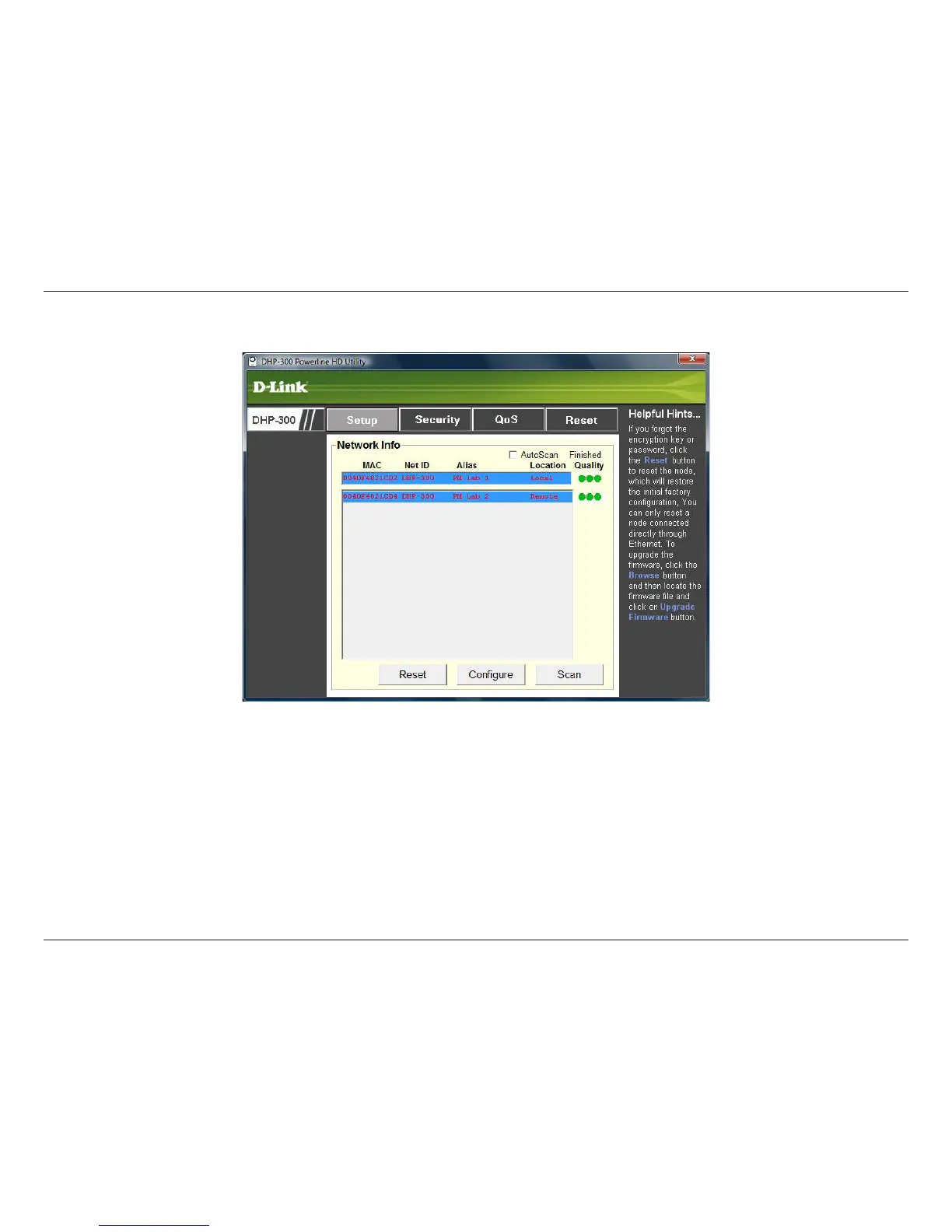
This screen shows the current configuration of the DHP-300.
MAC: MAC Address of detected node.
Net ID: Powerline Network Name. Default is DHP-300 (Max 10 characters, 0-9, A-Z, case sensitive).
Alias: Device Name. Default is Device 1, Device 2 etc (Max 16 characters, 0-9, A-Z, case sensitive) ie. Living
room, Bedroom, etc.
Location: Local or Remote nodes.
Setup















 To Next Page