6D-Link DHP-300 User Manual
Section 1 - Product Overview
Hardware Overview
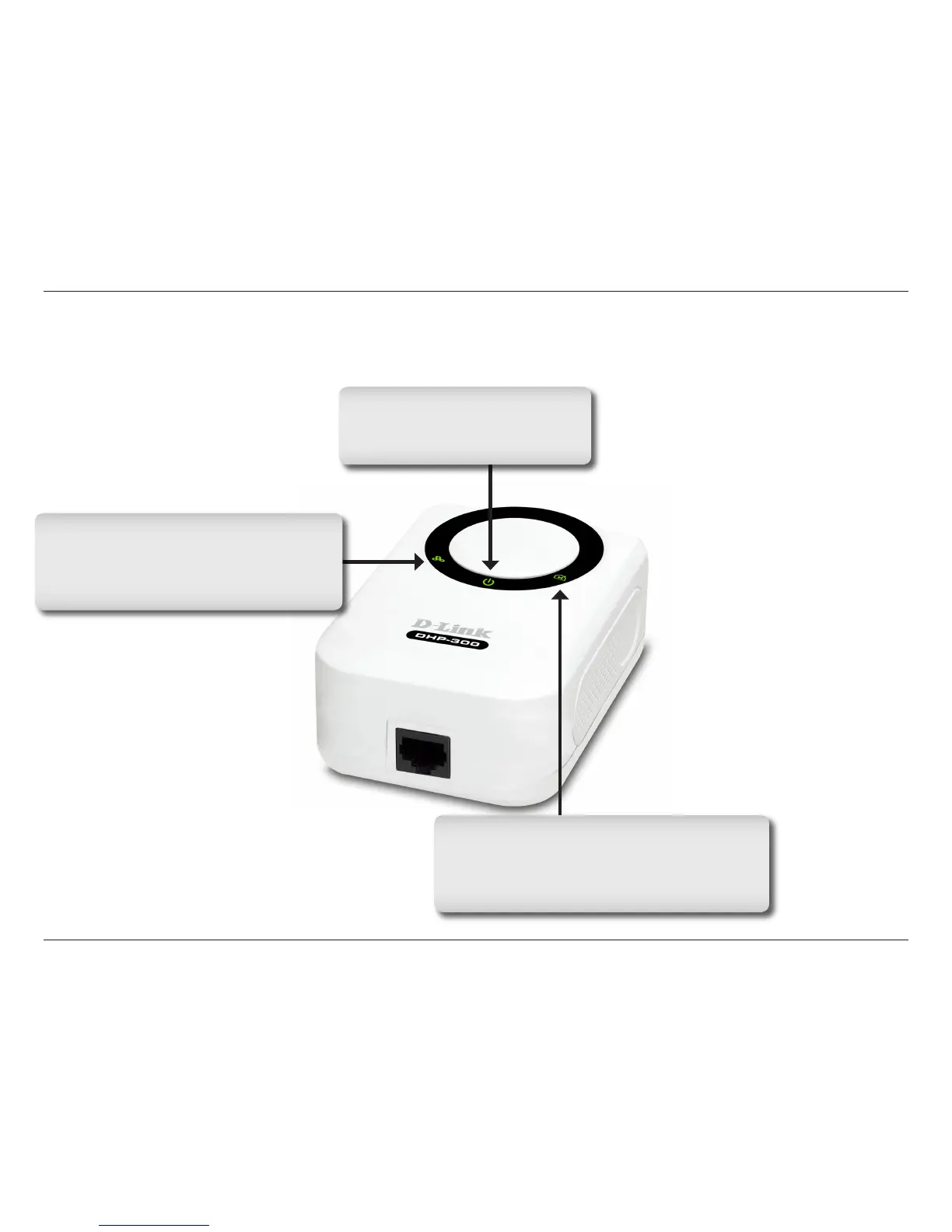
LEDs
Power LED
A solid light indicates that the
device is receiving power.
Powerline LED
A solid light indicates that the device has
detected another Powerline device on the
network.
Ethernet LED
A solid light indicates a connection on
the Ethernet port. The LED blinks during
data transmission.















 To Next Page