18D-Link DHP-300 User Manual
Section 3 - Configuration
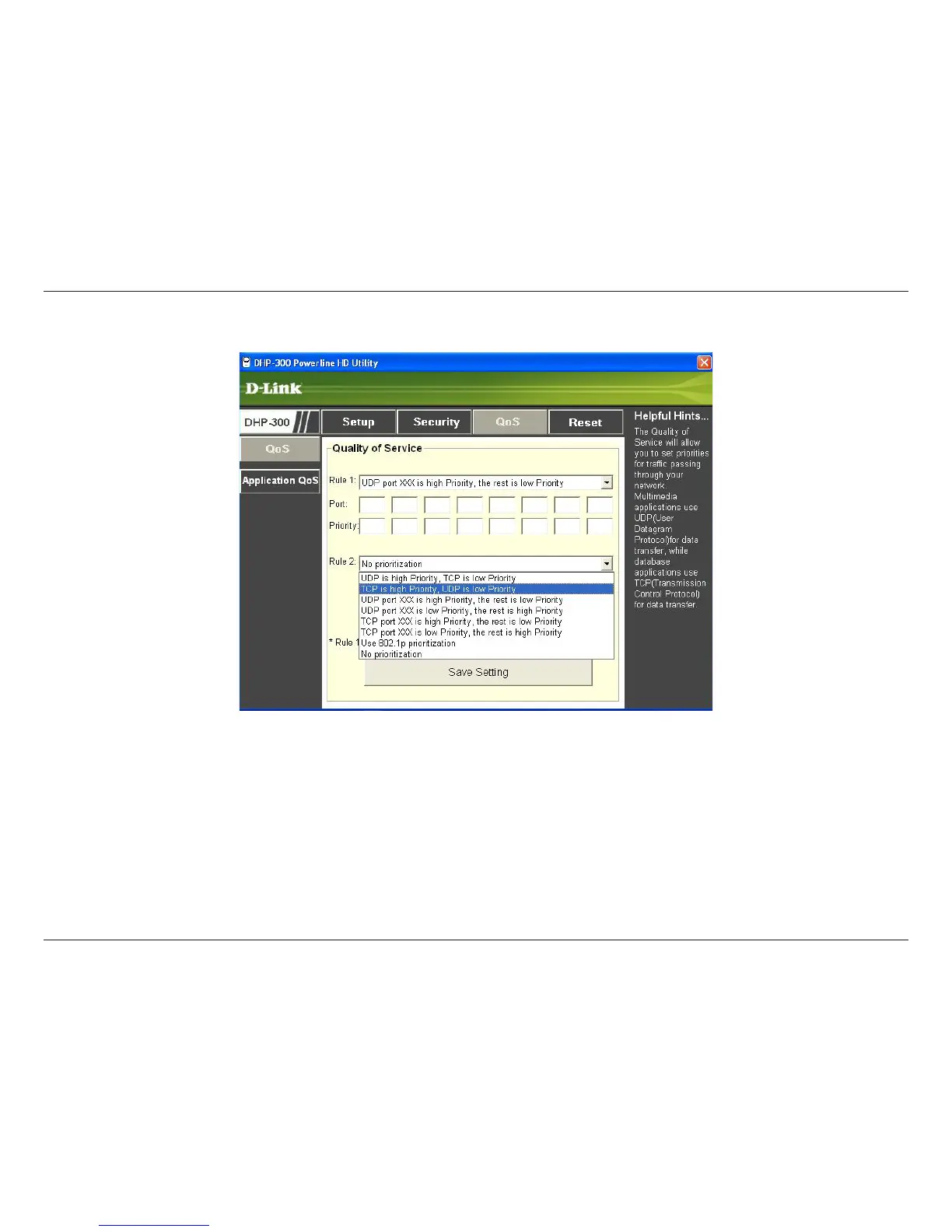
The Quality of Service screen will allow you to set priorities for traffic passing through your network. By default all types
of traffic are assigned the same priority. Multimedia applications use UDP (User Datagram Protocol) for data transfer,
while database applications use TCP (Transmission Control Protocol) for data transfer.
Rule: Select the traffic type (UDP or TCP) to have priority. 802.1p use prioritization bits in Layer-2 frames.
Port: Input the port number to have priority.
Priority: Input port priority from 1 to 6. The highest priority is 6, and the lowest is 1.
Note: Rule 1 have priority over Rule 2.
QoS















 To Next Page