13D-Link DHP-W611AV User Manual
Section 3 - Conguration
DHP-W610AV Conguration
Setup
If you wish to change the default settings or optimize the performance of the
DHP-W610AV, you may use the web-based conguration utility.
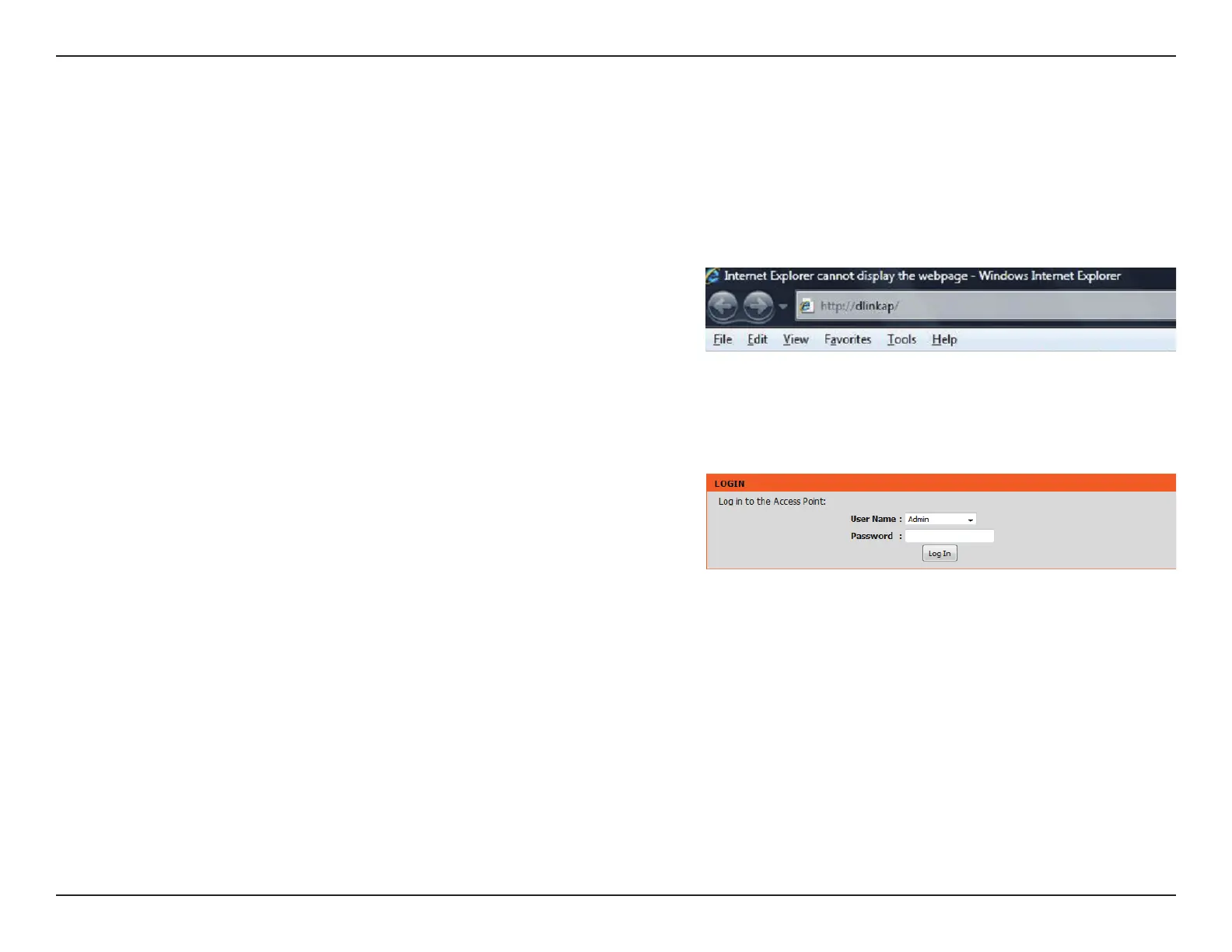
To access the conguration utility, open a web browser such as Internet Explorer
and enter either http://dlinkapWXYZ.local. (this is on the Wi-Fi Conguration
Card) or http://dlinkapWXYZ in the address eld.
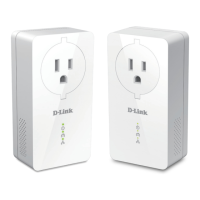
By default, Admin will be the User Name. Leave the password blank to log in.
If you receive a “Page Cannot be Displayed” error, please refer to Troubleshooting
on page 47 for assistance.
You will automatically proceed to the Setup heading after logging in.
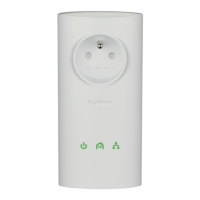
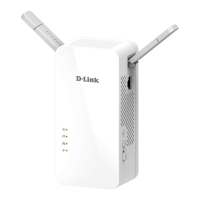
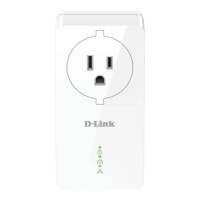
This section covers conguration of your DHP-W610AV PowerLine AV2 1000 Wi-Fi AC1200 Adapter. The DHP-P600AV PowerLine AV2 1000 Gigabit
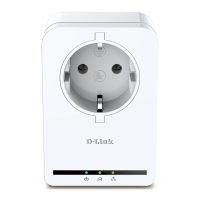
Passthrough Adapter does not require conguration other than the initial Powerline connection.


 To Next Page