43D-Link DHP-W611AV User Manual
Section 3 - Conguration
Using Windows Vista
®
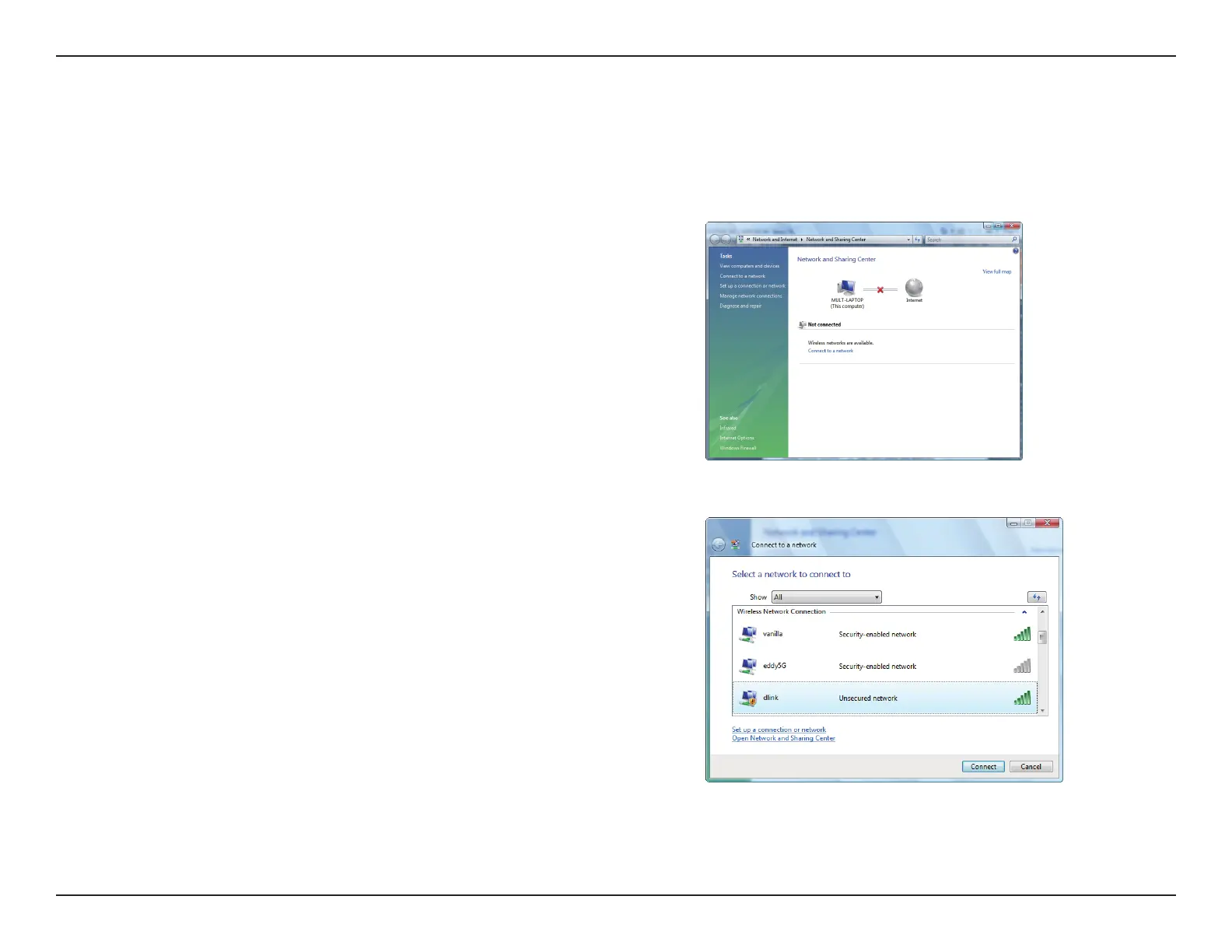
Windows Vista® users may use the convenient, built-in wireless utility. Follow these instructions:
From the Start menu, go to Control Panel, and then click on Network and
Sharing Center.
The utility will display any available wireless networks in your area. Click on a
network (displayed using the SSID) and click the Connect button. The Wi-Fi
Conguration Card will list your device’s specic network.
If you get a good signal but cannot access the Internet, check your TCP/IP settings
for your wireless adapter. Refer to the Networking Basics section in this manual
for more information.
Click Connect to continue.
Select Connect to a network.



 To Next Page