38D-Link DHP-W611AV User Manual
Section 3 - Conguration
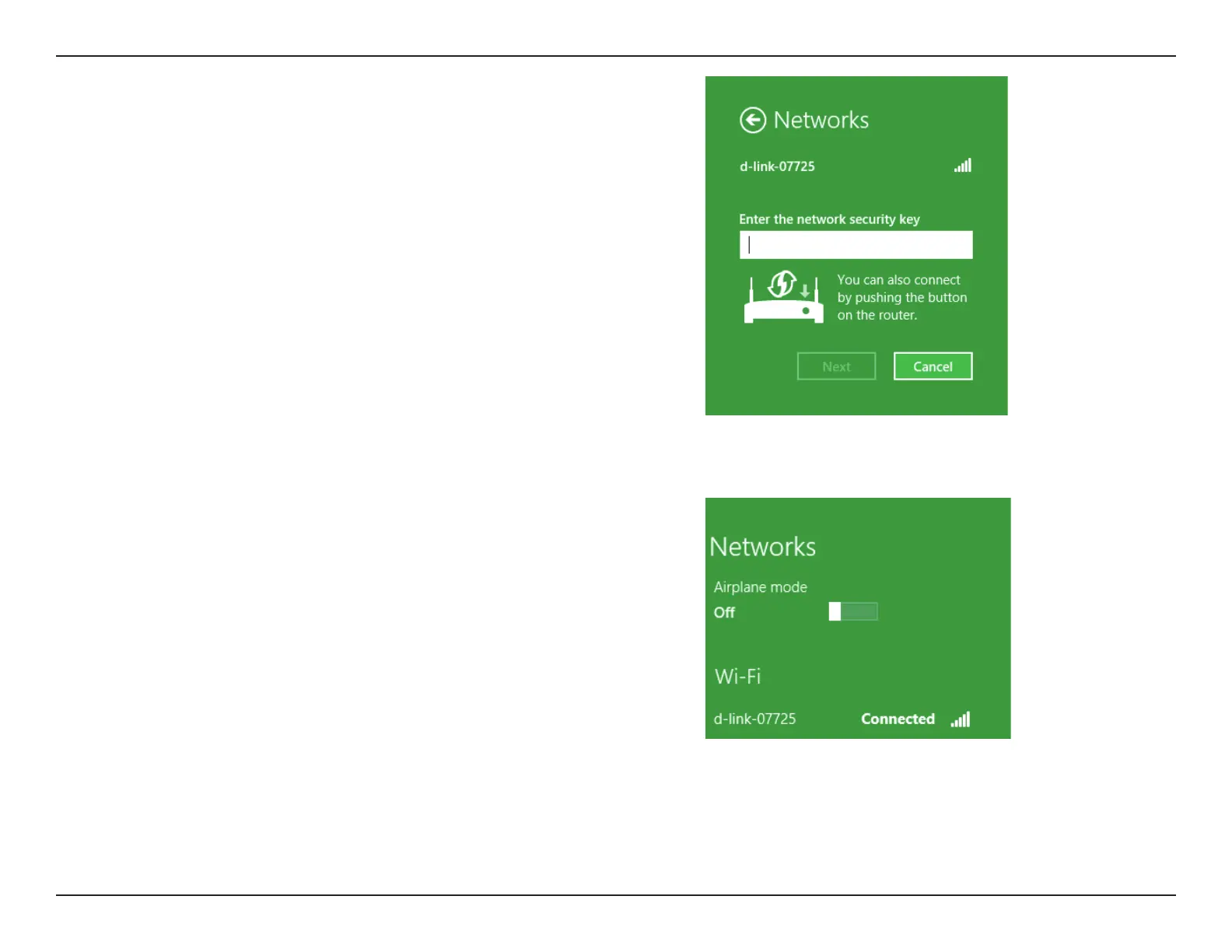
You will then be prompted to enter the network security key (Wi-Fi password) for
the wireless network. Enter the password into the box and click Next.
If you wish to use Wi-Fi Protected Setup (WPS) to connect to the router, you can
also press the WPS button on your router at this point to enable the WPS function.
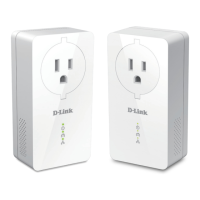
When you have established a successful connection to a wireless network, the
word Connected will appear next to the name of the network to which you are
connected.


 To Next Page