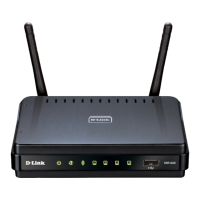
DIR-620 Wireless N300 Router with 3G/CDMA/LTE Support
and USB Port
User Manual
Overview
Side Panel
Figure 2. Side panel view.
Name Description
WPS
A button to enable/disable the router's wireless network and to quickly
add wireless devices to the router's WLAN (the WPS function).
To enable/disable the router's wireless network: with the device turned
on, press the button, hold for 7 seconds, and then release it.
To use the WPS function: with the device turned on, push the button,
hold it for 2 seconds, and release. The WPS LED should start blinking.
USB A port for connecting a USB device (modem, storage, printer).
Page 14 of 225










 To Next Page
